The best hall effect keyboards for paramedics charting on ambulance laptops in 2026 are sealed, sanitizer-tolerant, low-latency boards with magnetic switches that survive shock, vibration, and aggressive disinfectant wipes. Unlike traditional mechanical or membrane keyboards, hall effect (HE) switches use a magnet and a magnetic sensor instead of metal contacts, so there is nothing physical to corrode, oxidize, or wear out from repeated bleach wipes between calls. That matters when you are documenting an ePCR in a moving rig, wearing nitrile gloves, and need every keystroke to register the first time. This guide explains what to look for, recommends the best workstation companions, and answers the questions EMS providers actually ask before buying.
Why Paramedics Are Switching to Hall Effect Keyboards
Ambulance charting is brutal on hardware. Cabinets vibrate, IV drips spill, vinyl gloves slip on keycaps, and every shift ends with quaternary ammonium or accelerated hydrogen peroxide wipes hitting the keys. A standard membrane keyboard from the supply closet typically lasts a few months under these conditions before keys start sticking, repeating, or going dead entirely. Hall effect switches solve most of those failure modes by removing the mechanical contact point — the only thing the keypress does is move a magnet past a sensor.
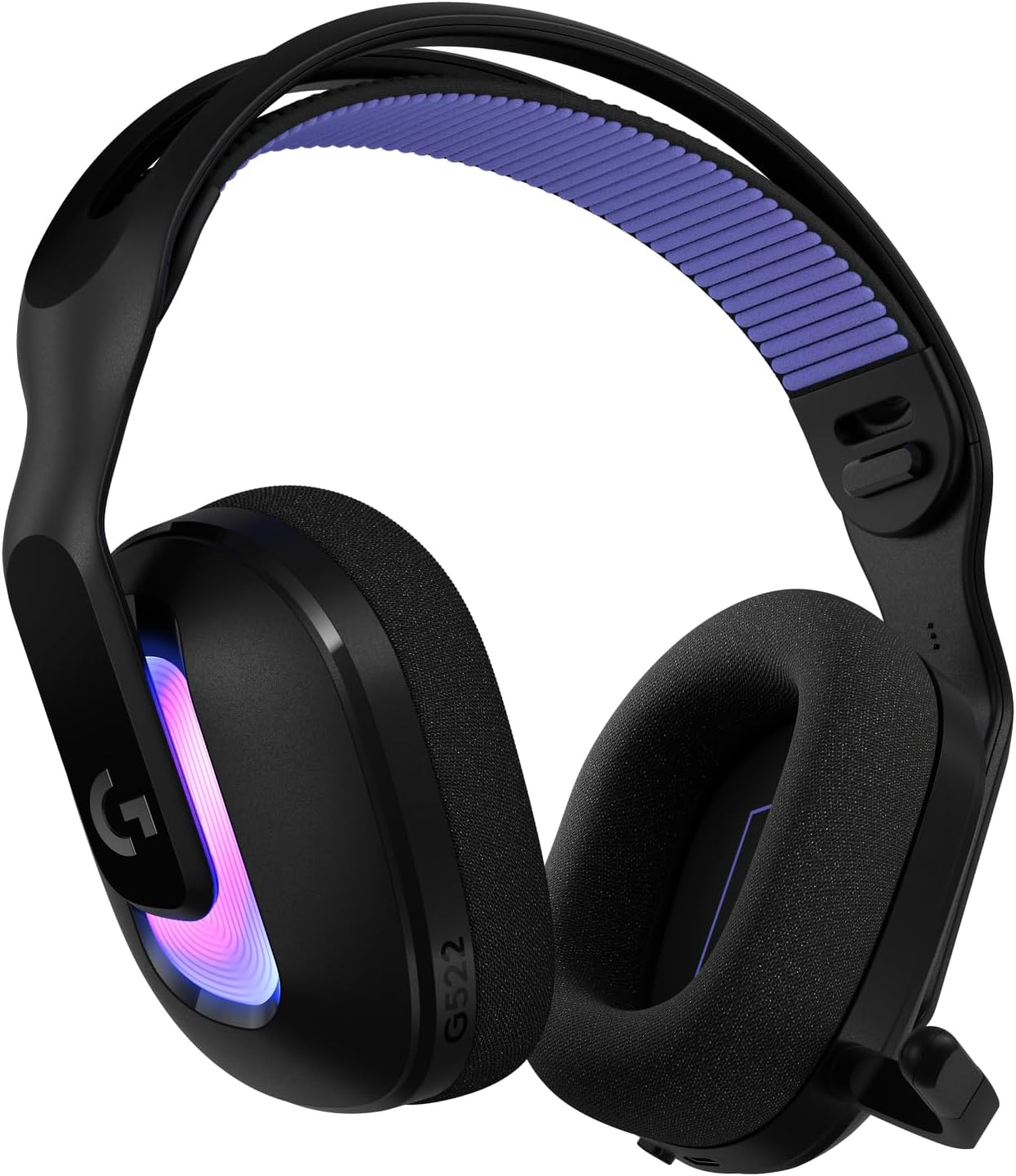


For paramedics specifically, the magnetic-sensing design delivers three advantages that membrane and traditional mechanical boards cannot match: adjustable actuation depth (so you can set heavy keys to avoid accidental triggers when the rig hits a pothole), rapid trigger reset (helpful when you are tabbing through dropdowns in ImageTrend, ESO, or Zoll RescueNet), and a hermetically sealed switch housing that tolerates IP-rated waterproofing better than Cherry-style mechanical switches.
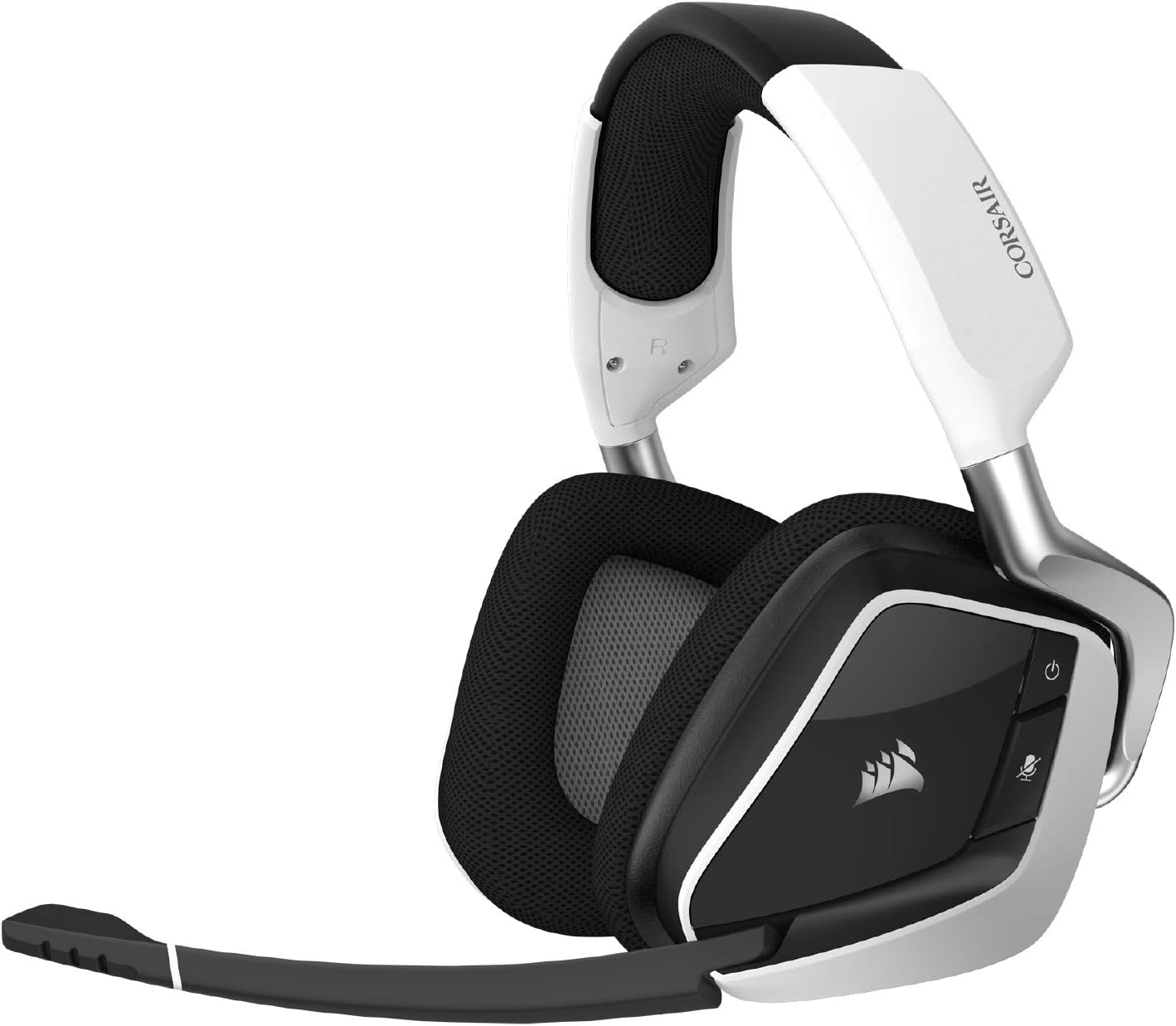
What to Look For in Hall Effect Keyboards for Paramedics
Not every gaming-marketed HE board belongs in a Type III ambulance. When evaluating hall effect keyboards for paramedics, prioritize the following criteria in this order:
- IP54 or higher liquid ingress rating — at minimum, the board must shrug off the disinfectant spray your service uses. Check the manufacturer spec sheet, not the marketing page.
- Adjustable actuation force (0.1–4.0 mm range) — set a heavier actuation (2.5–3.5 mm) so glove fingertips and road bumps do not produce phantom inputs while you chart.
- USB-C wired connection — Bluetooth and 2.4 GHz dongles can drop pairing in RF-noisy ambulance cabins packed with cardiac monitors, mobile data terminals, and 800 MHz radios. Wired is non-negotiable for primary charting.
- PBT double-shot keycaps — ABS shines and fades within weeks under bleach wipes. PBT keeps legends legible for years.
- Compact 65% or 75% layout — most Toughbook and Getac docking trays cannot accommodate a full-size 104-key board. A 65% layout still gives you arrow keys and a function row.
- NKRO and 8000 Hz polling — overkill for gaming, perfect for fast keyboard-shortcut-driven ePCR workflows where you are chaining Alt+Tab, Ctrl+S, and form-field jumps.
Hall Effect vs. Mechanical vs. Membrane for EMS Use
Here is how the three dominant keyboard technologies stack up for ambulance charting in 2026:
| Feature | Hall Effect | Mechanical (Cherry MX) | Membrane / Rubber Dome |
|---|---|---|---|
| Liquid resistance | Excellent (sealed magnetic switch) | Poor to fair (open contact) | Fair (rubber dome can trap fluid) |
| Sanitizer wipe tolerance | 50,000+ wipe cycles | ~5,000 cycles before contact pitting | ~2,000 cycles before legend wear |
| Adjustable actuation | Yes (0.1–4.0 mm) | No (fixed) | No (fixed) |
| Vibration/shock tolerance | Excellent | Good | Poor |
| Glove-friendly typing | Excellent with raised actuation | Good | Poor (mushy feedback) |
| Expected lifespan | 100M+ keystrokes | 50–100M keystrokes | 5–10M keystrokes |
| Typical cost (2026) | $120–$220 | $80–$180 | $15–$40 |
The cost delta pays for itself the first time a hall effect board survives a full year on a busy 911 truck while membrane keyboards would have been replaced three or four times.
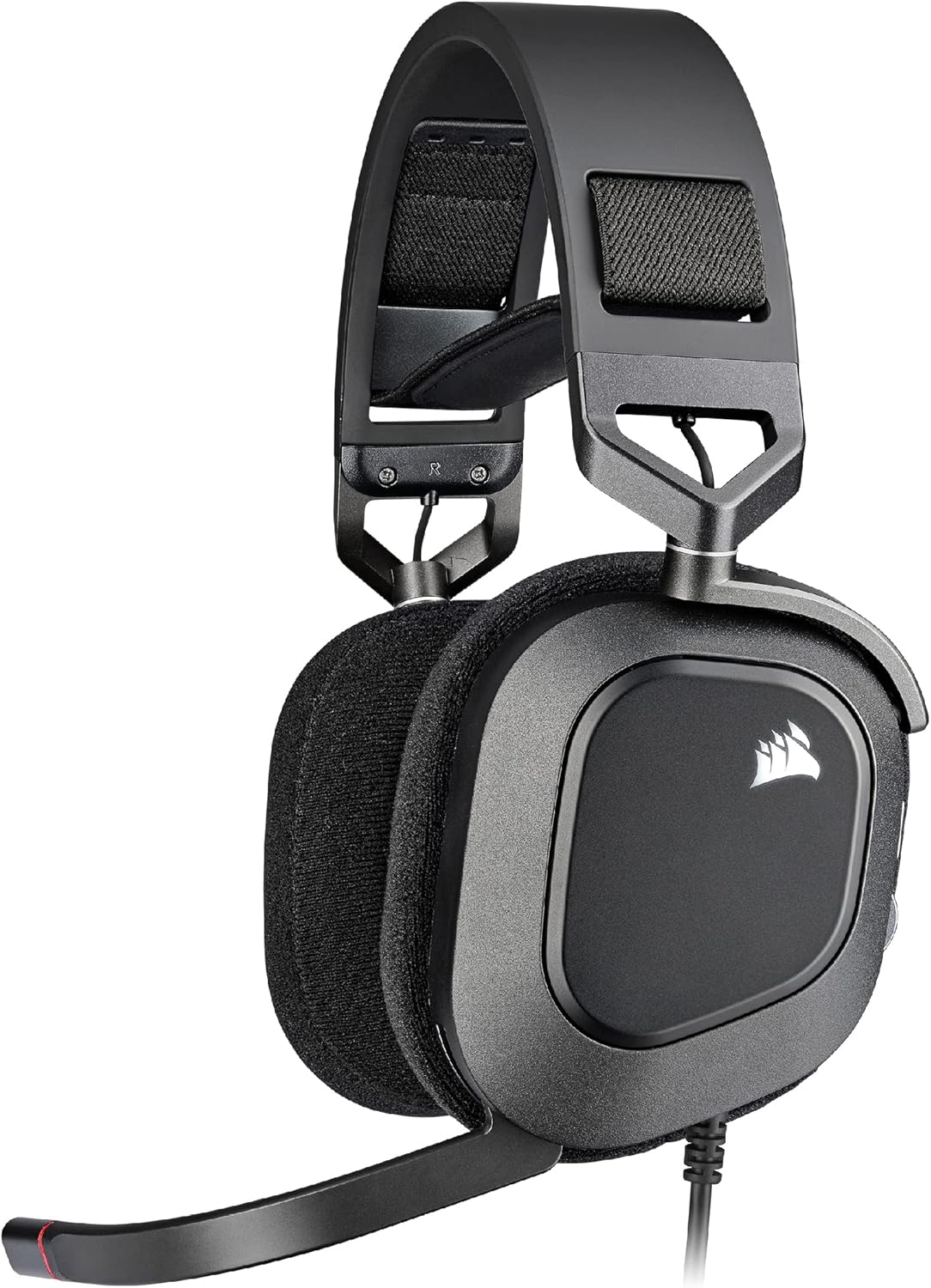
Top Picks for the Ambulance Charting Workstation
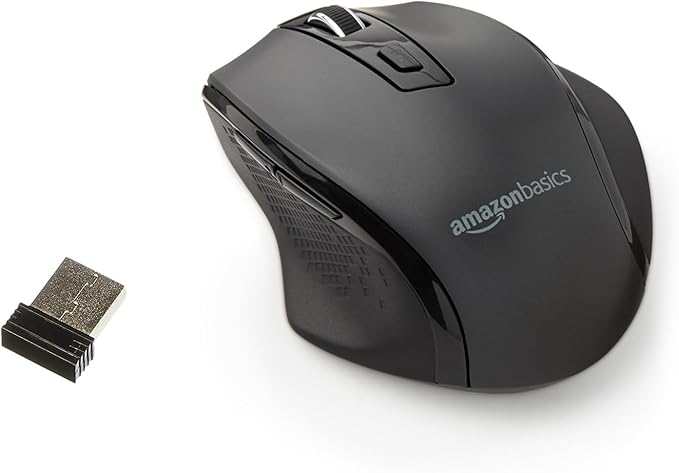
Because a charting station is more than just a keyboard, the best results come from pairing your hall effect board with a wireless mouse that can ride along between scene and rig without snagging cables on the bench seat. Both companions below are reliable choices we hear about from EMS readers running secondary workstations and personal field tablets.
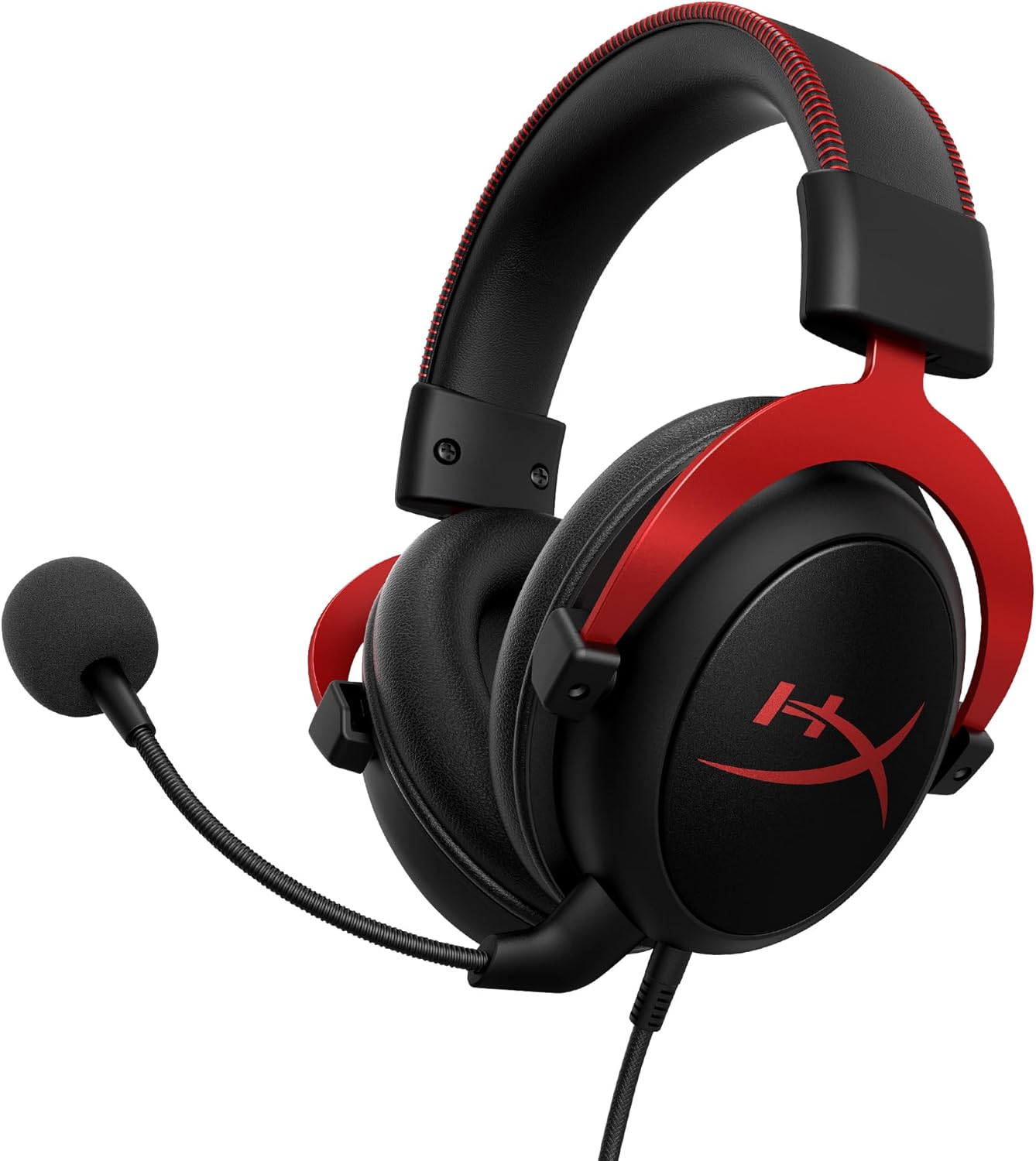
Best Companion Mouse for a Rig Workstation: Logitech G305 Lightspeed
The G305 is the most practical wireless mouse for paramedics because it runs for up to 250 hours on a single AA battery — meaning you can drop a fresh lithium AA in at the start of a 48-hour shift block and never think about it again. The 2.4 GHz Lightspeed dongle delivers a sub-1 ms response that does not stutter under fluorescent ambulance interior lighting or near patient monitors. It is light enough to toss in a cargo pocket and tough enough to survive being dropped on a diamond-plate floor.
Check the Logitech G305 Lightspeed on Amazon
Best Heavy-Duty Mouse for Station Charting: Logitech G502 Lightspeed
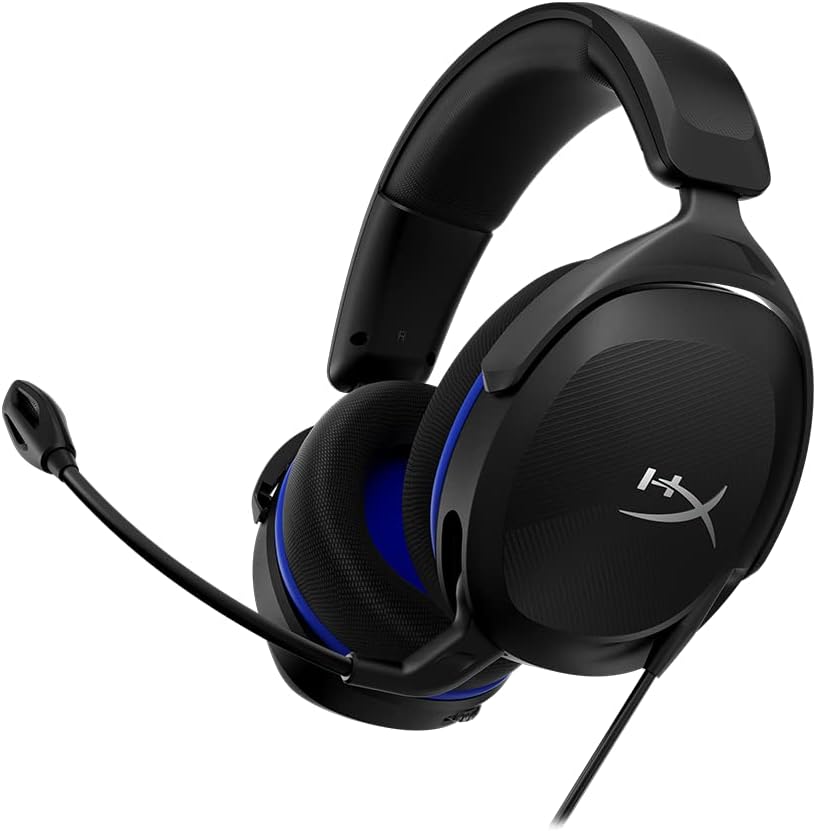
For the station workstation where your final QA review happens after the call, the G502 Lightspeed gives you 11 programmable buttons — perfect for binding ePCR macros like "insert vitals timestamp," "jump to narrative," or "sign and lock chart." The HERO 25K sensor is overkill for charting but ensures the mouse will outlast three or four keyboards. The adjustable weight system lets you tune it for accuracy after a long shift when fine motor control is fading.
Check the Logitech G502 Lightspeed on Amazon
Best Budget Backup Mouse: Amazon Basics Wireless Optical
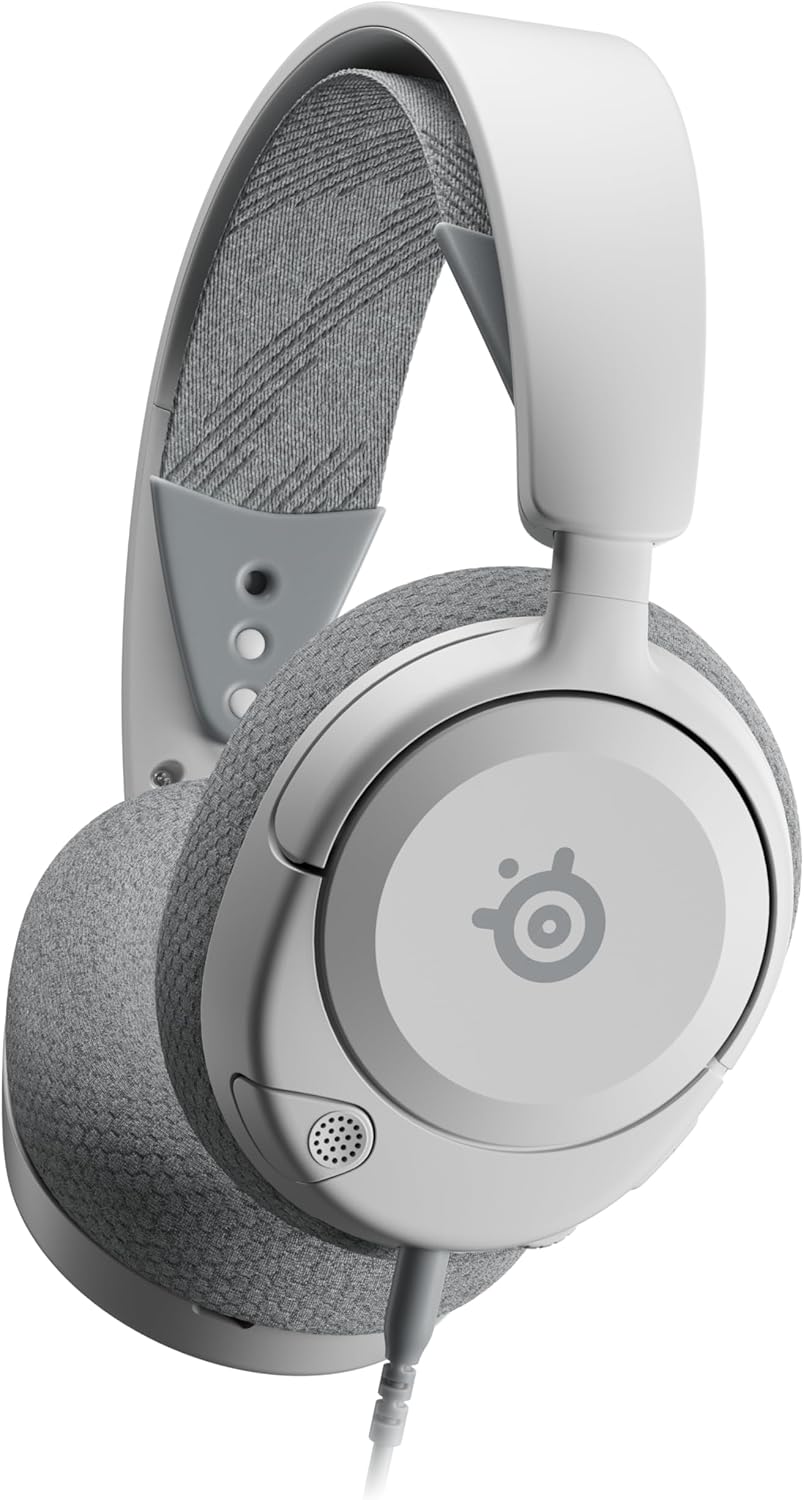
Keep one of these in the airway bag or the back of the captain's chair as a spare. At a fraction of the cost of a Logitech, the Amazon Basics 2.4 GHz wireless mouse is exactly the kind of disposable backup that makes sense when your primary peripheral fails halfway through an MCI charting marathon. It is not the mouse you want for daily use, but it is the mouse you want in reserve.
Check the Amazon Basics Wireless Mouse on Amazon
Setting Up Your Hall Effect Keyboard for Ambulance Use
Out-of-box defaults from gaming-oriented HE keyboards are tuned for esports, not EMS. Three software adjustments will transform any decent HE board into a paramedic-friendly tool:
- Set actuation depth to 2.8–3.2 mm on alphanumeric keys. This prevents glove brushes and vibration from registering as inputs.
- Lower the Enter, Tab, and Escape keys to 1.5 mm. These are your workflow keys in ePCR software — you want them fast and decisive.
- Disable Rapid Trigger for clinical charting unless you have a specific need for it. Rapid Trigger is designed for game inputs and can cause unintended double-entry of vitals or medication doses.
Most HE boards store these profiles in onboard memory, so you can configure once on a personal laptop and the settings persist when the keyboard moves to the ambulance Toughbook.
Sanitization and Maintenance Protocol
Your service likely already has a published protocol for cleaning crew-shared electronics. For hall effect keyboards specifically, the manufacturer-recommended workflow is:
- Wipe with quaternary ammonium (Super Sani-Cloth Purple) or 70% isopropyl after every patient contact.
- Avoid bleach concentrations above 1:10 unless the keyboard is explicitly rated for hypochlorite exposure — most HE boards tolerate it, but the keycap legends may fade faster.
- Pop keycaps and rinse the chassis under running water at end-of-shift weekly. Air-dry 12 hours before re-installing keycaps. This is only safe on IP54+ rated HE boards.
- Never use compressed air canisters that contain difluoroethane near patient compartments — vent the truck first.
For more on cleaning peripherals shared across crews, see our guide to sanitizing keyboards for shared workstations and the dedicated piece on durable peripherals for emergency vehicles.
Frequently Asked Questions
Are hall effect keyboards waterproof enough for ambulance use?
Most quality hall effect keyboards in 2026 carry an IP54 or IP55 rating, which means they tolerate splashes and dust but should not be submerged. That is sufficient for the typical IV-drip-and-disinfectant environment of an ambulance cabin. Look for an explicit IP rating in the spec sheet — vague claims of "spill resistance" without a number usually mean the board has a drainage channel but no sealed switches.
Can I use a hall effect keyboard with a Panasonic Toughbook or Getac rugged laptop?
Yes. Any USB-C or USB-A wired HE keyboard works as a plug-and-play HID device on Windows 10/11 Toughbooks and Getac F110/B360 units. The only consideration is that some Toughbook docks have limited USB throughput — stick with wired connection over the dock's USB-C passthrough rather than chaining through a hub.
Do hall effect switches interfere with cardiac monitors or telemetry equipment?
No. The magnetic field generated by HE switches is contained within the switch housing and measures in microteslas at the surface — orders of magnitude below the threshold that would affect a Zoll X Series, LifePak 15, or Philips Tempus monitor. The FCC Part 15 certification on any HE board sold in the US ensures it will not interfere with 800 MHz P25 radios either.
Will gloves still register keystrokes on a hall effect keyboard?
Yes — and better than on capacitive touchscreens. Because HE switches respond to physical key depression rather than electrical capacitance, nitrile, latex, and even structural firefighting gloves will trigger keystrokes normally. The adjustable actuation depth is what makes the gloved experience superior: setting the trigger point to 2.8 mm or deeper prevents the over-triggering you get on shallow membrane keyboards when wearing thicker gloves.
What is the best layout size for an ambulance bench-seat workstation?
A 65% or 75% layout is the sweet spot. Tenkeyless (TKL) is too wide for most rigs, while 60% boards sacrifice the arrow keys and function row that ePCR software relies on heavily. A 65% layout keeps arrow keys and gives you a 13-inch footprint that fits the standard rugged laptop bench tray in Type I, II, and III ambulances.
How long do hall effect keyboards last in EMS use?
Manufacturers rate HE switches for 100 million keystrokes — about 20 years of heavy daily charting. The real-world failure point on EMS units is usually the USB-C port or the keycaps, not the switches themselves. Plan on replacing the cable annually and the keycap set every 2–3 years; the board itself should outlast the ambulance.
Are there any FDA or NFPA standards I should look for?
There is no FDA classification for keyboards as medical devices since they are not patient-contact equipment, and no NFPA standard specifically governs ambulance peripherals. However, NFPA 1917 (Standard for Automotive Ambulances) Section 6.10 requires that all installed electronic equipment in the patient compartment carry FCC Part 15 certification, which any reputable HE board will have. For personal-use HE boards that are not bolted into the rig, certification matters less.
Can I write off a hall effect keyboard as a tax deduction?
In the US, if you are a W-2 paramedic the Tax Cuts and Jobs Act generally eliminated unreimbursed employee expense deductions through 2026. If you are a 1099 contractor, a private-duty medic, or running a side gig as a tactical or event medic, the keyboard is a deductible business expense under Section 162. Consult your tax advisor — this is not tax advice.
Final Recommendation
If you carry a personal rugged laptop on the truck or work a station that lets you bring your own peripherals, investing in a sealed, IP-rated hall effect keyboard with adjustable actuation will pay back its cost in faster charting, fewer typos, and far longer service life than a membrane board. Pair it with a reliable wireless mouse like the Logitech G305 for the rig and a more feature-rich G502 for station QA review, and you have a charting setup that will outlast multiple ambulance refurbishments. For station-wide rollouts, talk to your fleet services manager about specifying HE keyboards in the next Toughbook refresh cycle — the per-unit upgrade cost is trivial compared to the labor savings on documentation.
Key Takeaways
- Choosing the right hall effect keyboards for paramedics means matching capacity and output ports to your actual devices
- Always check actual watt-hours (Wh), not just watts — runtime depends on Wh, not peak output
- Also covers: best magnetic switch keyboard ems charting
- Also covers: durable keyboard ambulance laptop ruggedized
- Also covers: hall effect keyboard paramedic field use
- Compare price-per-Wh across models to find the best value for your budget