Short answer for the wooting 60he vs huntsman mini analog tarkov question: for strafe peeking in Escape from Tarkov in 2026, the Wooting 60HE (and its successor 60HE+) still edges out the Razer Huntsman Mini Analog. Wooting's mature Rapid Trigger implementation, sub-millisecond scan rate, and per-key actuation tuning give cleaner counter-strafe stops, which translates to tighter first-shot accuracy when you peek a corner on Streets or Customs. The Huntsman Mini Analog is no slouch — its optical analog switches let you bind progressive lean — but Razer's firmware has been slower to match Wooting's snap-tap behavior and dynamic reset point precision.
Why analog keyboards changed Tarkov peeking
Tarkov's movement model rewards micro-adjustments. A normal mechanical board sends a binary 1 or 0 — the moment you cross the actuation point, the key is "down," and the moment you lift past the reset, it's "up." That creates a counter-strafe problem: when you tap A then D to stop and shoot, the game still reads a few frames of residual A input before D registers, smearing your crosshair across the doorway you're peeking.



Analog Hall-effect (Wooting) and optical-analog (Razer) switches solve this in two ways. First, you can set the actuation point shallow — 0.1 mm to 0.3 mm — so the key registers almost the instant your finger moves. Second, and more importantly, Rapid Trigger detaches actuation from a fixed point: the key releases the moment you reverse direction, no matter how deep you've pressed. The result in Tarkov is a near-instant velocity zero when you tap the opposite strafe key, which is the entire point of a strafe peek.
Wooting 60HE: the strafe-peek benchmark
The Wooting 60HE uses Lekker (Gateron) Hall-effect switches with a 0.1 mm minimum actuation. In Wootility you can configure Rapid Trigger sensitivity per key, set a separate actuation and reset point, and enable Tachyon Mode for the lowest scan latency. For Tarkov, the typical strafe-peek loadout is:
- A and D: 0.1 mm actuation, 0.1 mm Rapid Trigger sensitivity
- W and S: 1.5 mm actuation (so you don't accidentally trigger walk while shifting weight)
- Spacebar (jump): 2.0 mm, to prevent panic jumps in firefights
The 60HE also supports SnapTap-style behavior via the "Mod Tap" and "Rappy Snappy" community modes — when you press D while A is still held, A is electrically released until D is lifted. This is functionally what won Counter-Strike pros over to analog boards, and it works identically in Tarkov for jiggle peeks around Reserve container rooms or Lighthouse rocks.
Razer Huntsman Mini Analog: the contender
The Huntsman Mini Analog uses Razer's second-gen optical analog switches with a 1.5 mm to 3.6 mm range and dual-step actuation. You can bind two actions to a single key — for example, a soft press leans, a full press lean-peeks while strafing. Synapse 4 now exposes a Rapid Trigger toggle and a configurable reset delta, closing some of the gap with Wootility.
Where it falls short for Tarkov specifically: minimum actuation is 1.0 mm rather than 0.1 mm, so the absolute fastest tap-and-stop window is slightly wider. The polling and scan stack is also tied to Razer HyperPolling, which is excellent on paper (8 kHz) but adds CPU overhead that can spike 1% lows on mid-tier rigs running Streets at 1440p. If your CPU is a 7800X3D or better, you won't notice; on a 5600X you might.
Head-to-head: wooting 60he vs huntsman mini analog tarkov comparison
| Spec | Wooting 60HE | Razer Huntsman Mini Analog |
|---|---|---|
| Switch type | Lekker Hall-effect | Razer Optical Analog Gen 2 |
| Min actuation | 0.1 mm | 1.0 mm |
| Rapid Trigger | Per-key, 0.1 mm steps | Per-key, 0.4 mm steps |
| SnapTap equivalent | Rappy Snappy (firmware) | Snap Tap (Synapse 4) |
| Polling rate | 1000 Hz native, 8 kHz beta | 8000 Hz HyperPolling |
| Software | Wootility (web + native) | Synapse 4 |
| Layout | 60% ANSI/ISO | 60% ANSI only |
| Hot-swap | Yes | No |
| 2026 street price | ~$195 | ~$160 |
Mouse pairings that actually matter for strafe peeking
A perfect keyboard can't fix a mouse that hitches mid-flick. Tarkov's recoil pattern rewards a light, low-latency mouse with a stable sensor — the kind of thing pro M0USE1 streamers swap to mid-wipe. Three picks worth considering alongside either board:
Logitech G PRO X2 SUPERSTRIKE
The current flagship for competitive FPS. Hall-effect main buttons mean zero double-click drift over a wipe cycle, and the HERO 2 sensor tracks cleanly through 32K DPI without smoothing artifacts. At ~60 g it's light enough for the wrist-flick re-peek that Tarkov's TTK demands. Pair it with the Wooting 60HE for the lowest possible peek-to-shot latency budget. Check the Logitech G PRO X2 SUPERSTRIKE on Amazon.
Logitech G502 Lightspeed
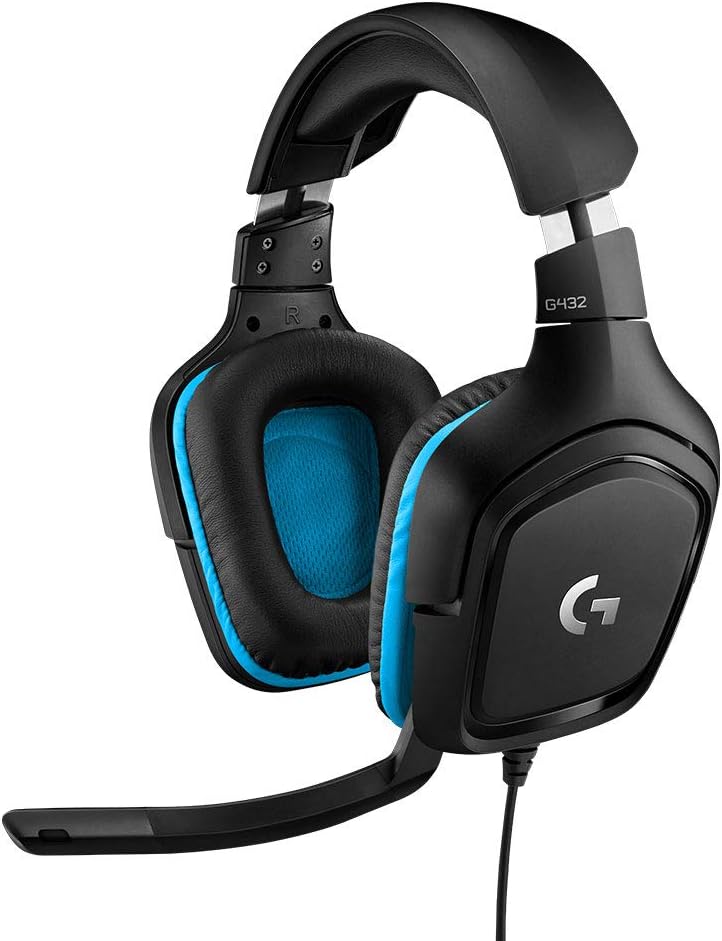
If you palm-grip and like weight, the G502 Lightspeed remains a Tarkov favorite for the sniper-button DPI shift — bind it to a 400 DPI sniper mode for long Lighthouse lanes, then snap back to 1600 for CQB. The HERO 25K sensor is overkill on paper but the per-pixel tracking is what matters when you're micro-correcting a peeker's-advantage shot. View the Logitech G502 Lightspeed on Amazon.
Logitech G305 Lightspeed
The budget pick that still belongs in this conversation. AA-battery powered, 99 g, HERO 12K sensor — it's the mouse a lot of late-wipe raiders run when their main is charging. Latency is within a frame of the G PRO at 1000 Hz, and at roughly a third of the price it makes the keyboard upgrade easier to justify. See the Logitech G305 Lightspeed on Amazon.
Configuring either board for Tarkov in 2026
Whichever board you land on, the Tarkov-specific tuning is similar:
- Disable Windows Game Mode if you're on Win11 24H2 — it still interferes with HID polling on some chipsets.
- Set actuation per key: shallow on A/D, deeper on W/S, deeper still on jump and crouch. You do not want a phantom crouch in the middle of a Reserve heli rotation.
- Bind lean to analog if you have the keys for it. Tarkov treats Q/E as digital by default, but with the Huntsman's dual-step bind you can put a soft-peek and a full-peek on the same physical key.
- Cap your in-game FPS at a divisor of your monitor refresh and turn off Streamer Mode in Wootility — both reduce frame variance, which is what actually moves your TTK down.
If you're still picking between full-size and 60%, the 60% layout forces a mouse-pad position that keeps your wrist over the strafe keys — small ergonomic win that compounds over a 6-hour raid session. See our 60% keyboard primer for Tarkov and the broader 2026 analog keyboard buyer's guide for sizing context.
The verdict
For pure strafe-peek performance, the Wooting 60HE wins the wooting 60he vs huntsman mini analog tarkov matchup on three measurable axes: shallower minimum actuation, finer Rapid Trigger steps, and a more mature firmware that has shipped community-driven features (Rappy Snappy, Tachyon) before Razer matched them. The Huntsman Mini Analog is the better choice if you're already in the Razer ecosystem, want 8 kHz polling out of the box without beta firmware, or value the dual-step bind for lean-peeking. Either is a meaningful upgrade over a digital board — the gap between "analog" and "non-analog" is far larger than the gap between these two.
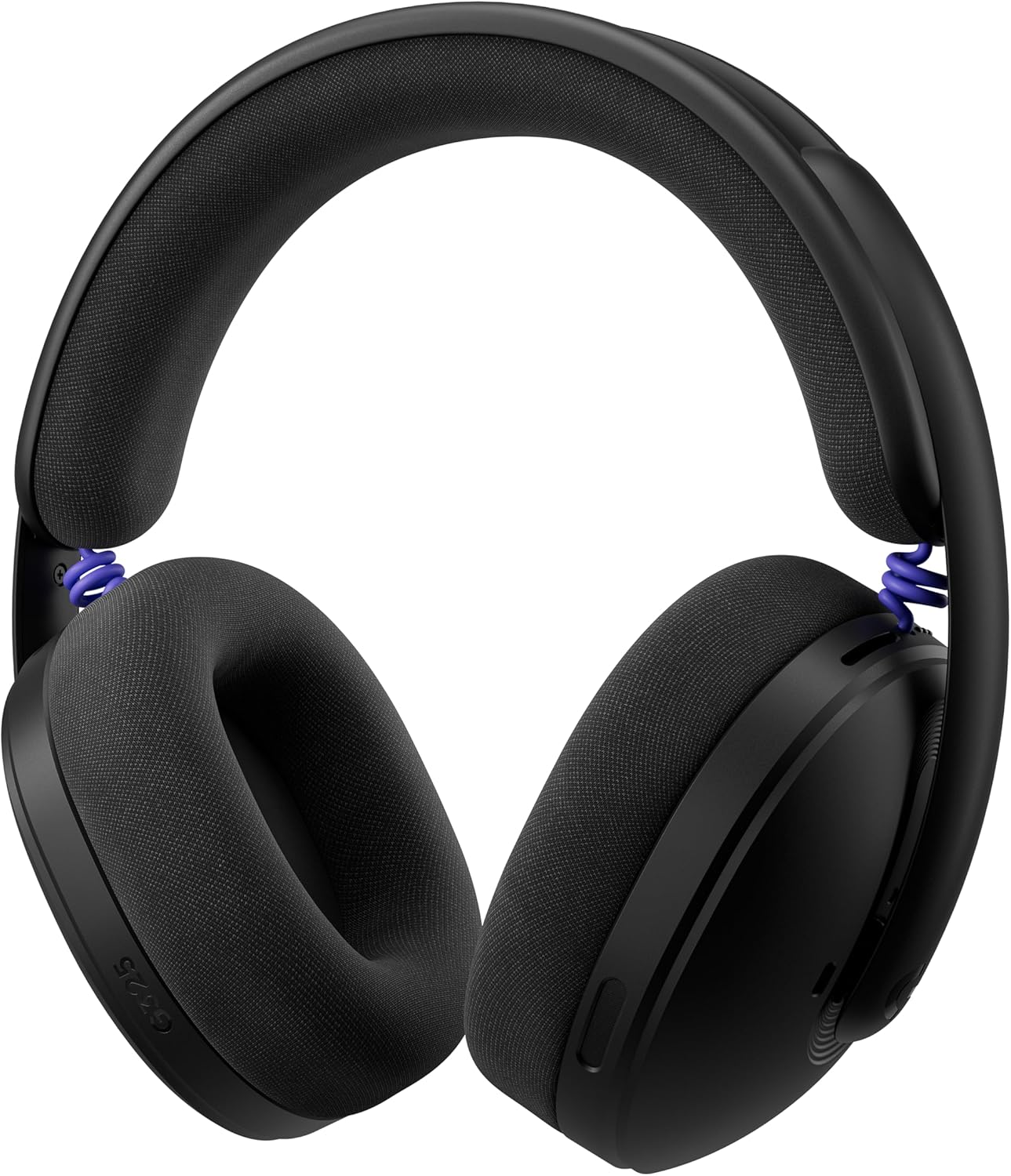
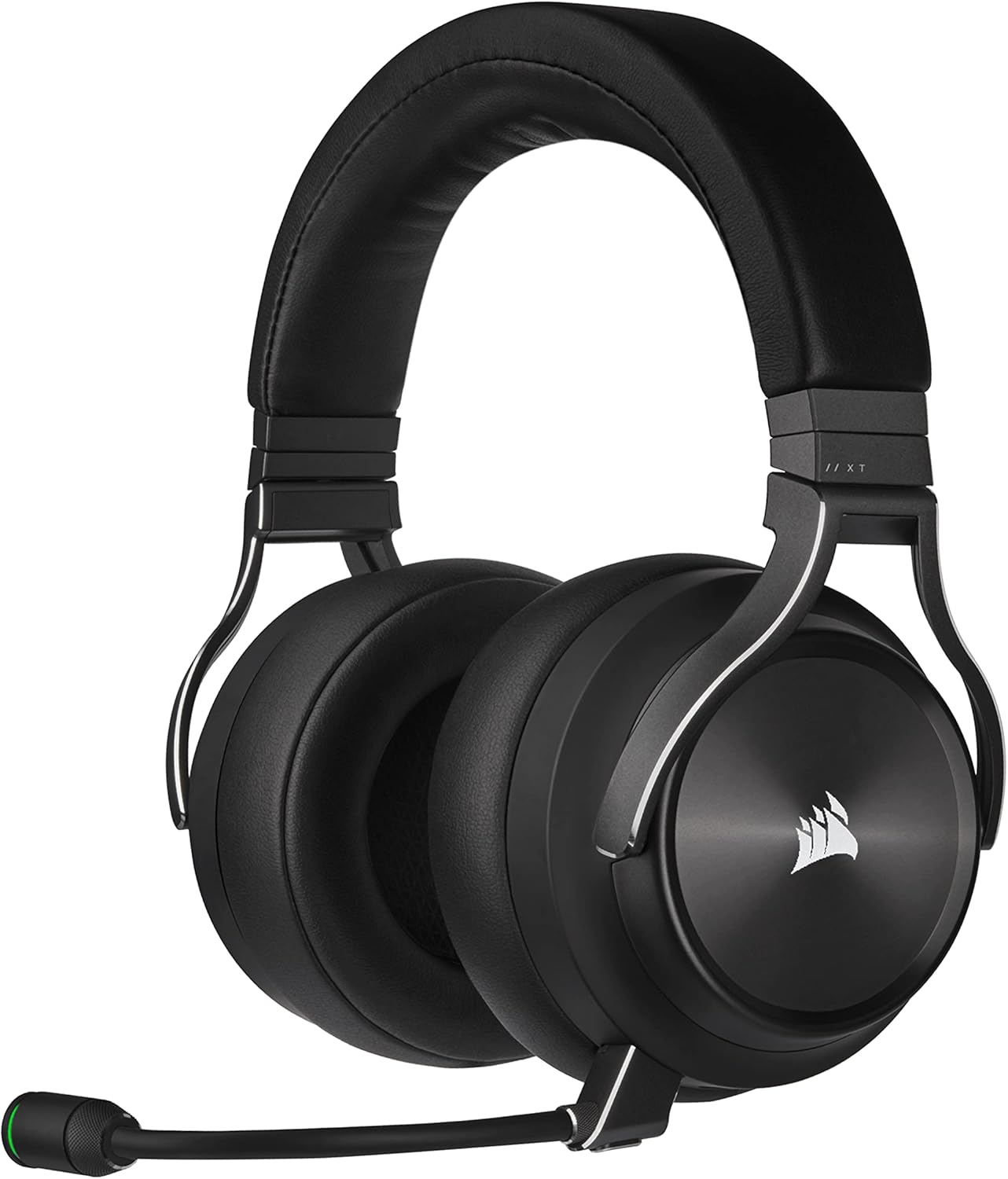
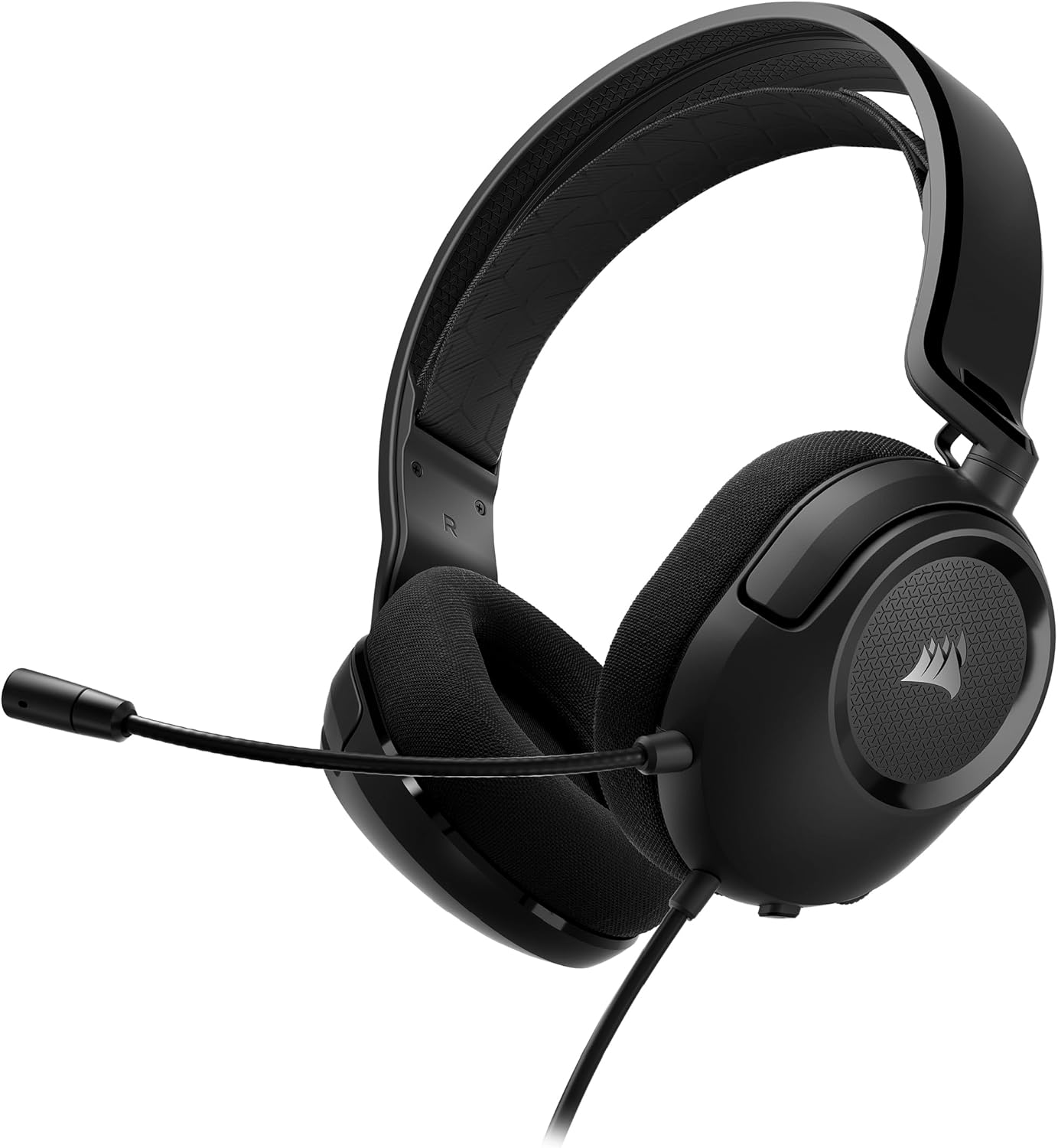
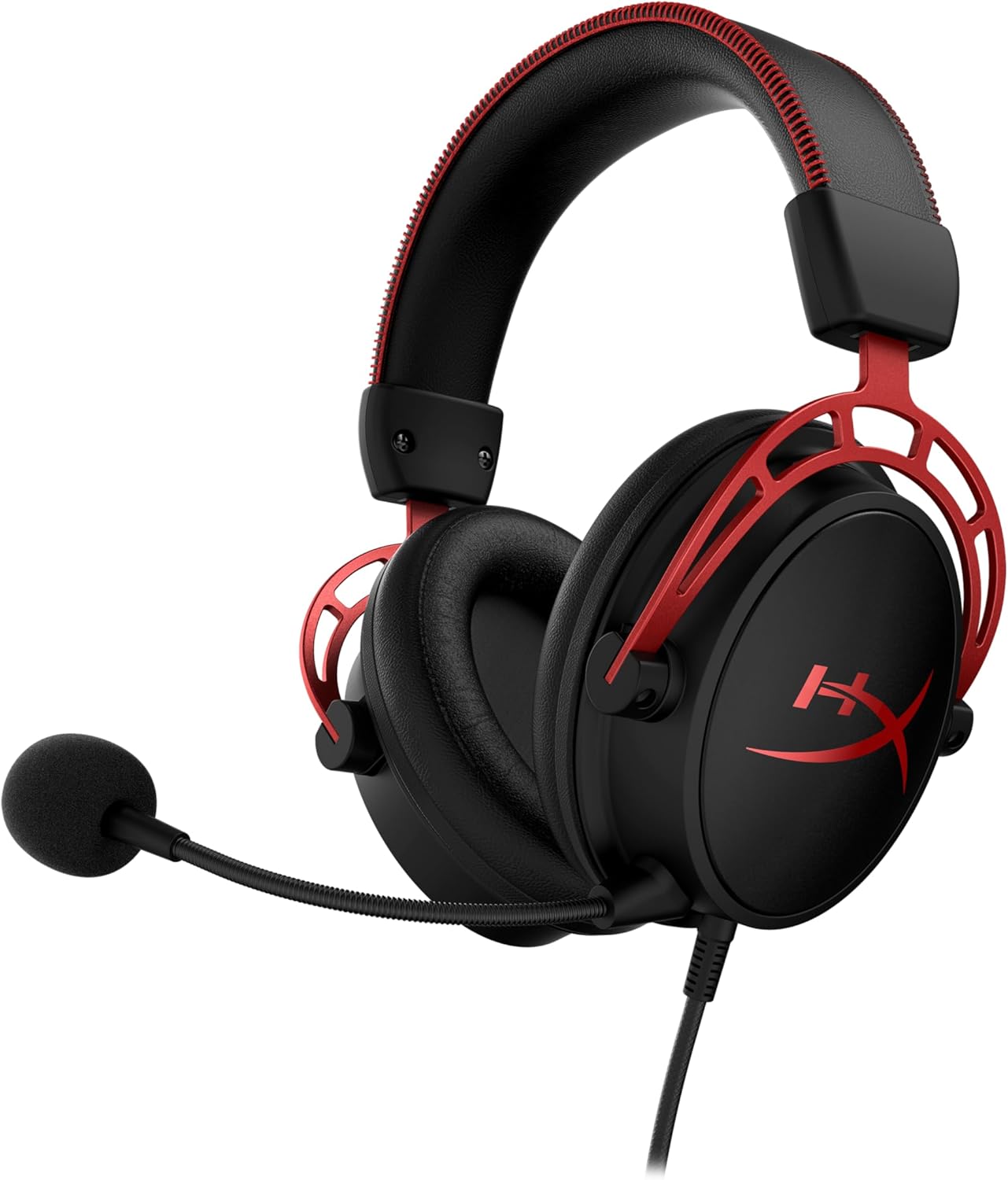
If you also need to sort out audio for footstep clarity, our Tarkov footstep headset guide covers the headsets that actually resolve directional cues at typical EFT engagement ranges.
Frequently Asked Questions
Is the Wooting 60HE worth it just for Tarkov?
If Tarkov is your main game and you peek a lot of corners, yes. The latency and counter-strafe improvements show up most in 1v1 lean duels, which is where Tarkov fights are usually decided. If you mostly do PvE Labs or quest-completion runs, the marginal gains are smaller and a good digital 60% will still serve you well.
Does Rapid Trigger get you banned in Escape from Tarkov?
No. As of 2026, BSG treats hardware-level Rapid Trigger and SnapTap-style firmware features the same as any other keyboard input. BattlEye sees a key press and a key release — it has no signal that those events came from a Hall-effect switch versus a Cherry MX Red. Software macros that issue multiple inputs per press are still prohibited; firmware-level analog behavior is not.
What actuation point should I use for A and D in Tarkov?
Start at 0.3 mm on the Wooting 60HE or 1.2 mm on the Huntsman Mini Analog, with Rapid Trigger sensitivity at 0.2 mm. If you're getting phantom inputs from resting fingers, raise the actuation 0.1 mm at a time until they stop. Going lower than 0.2 mm on most fingertips creates more problems than it solves.
Does the Huntsman Mini Analog support SnapTap for Tarkov?
Yes, Razer's Snap Tap mode in Synapse 4 functions the same way as Wooting's Rappy Snappy for purposes of strafe peeking — pressing the opposite strafe key cancels the original. It's enabled per-profile, and you'll want it on for your Tarkov profile only, otherwise typing becomes painful.
Will an 8 kHz polling rate actually help me peek faster?
At Tarkov's CPU-bound frame rates, the difference between 1 kHz and 8 kHz polling is well under a frame on most setups. The real latency wins come from the actuation depth and Rapid Trigger, not the polling rate. If your CPU is already pegged on Streets, enabling 8 kHz can hurt 1% lows — leave it at 1 kHz unless you're on a top-tier rig.
Can I use the Wooting 60HE wired only, or is there a wireless version?
The 60HE and 60HE+ are wired USB-C only. There's no first-party wireless analog board from Wooting as of mid-2026 — wireless latency would undercut the entire point of the platform. If you want wireless freedom, pair the wired keyboard with a wireless mouse like the G PRO X2 SUPERSTRIKE, which adds essentially zero latency over wired.
Is the Huntsman Mini Analog still in production in 2026?
Razer is still shipping new stock, but inventory has been thinner since the launch of their newer analog tenkeyless boards. If you see it discounted under $130, that's typically the floor before stock runs out in a given region. Check Amazon listings rather than Razer direct for the best 2026 pricing.
Key Takeaways
- Choosing the right wooting 60he vs huntsman mini analog tarkov means matching capacity and output ports to your actual devices
- Always check actual watt-hours (Wh), not just watts — runtime depends on Wh, not peak output
- Also covers: best hall effect keyboard escape from tarkov
- Also covers: wooting 60he rapid trigger tarkov peeking
- Also covers: huntsman mini analog tarkov strafe
- Compare price-per-Wh across models to find the best value for your budget