For mages chasing a clean Naxxramas clear in 2026, the basilisk v3 pro vs g604 wow classic hardcore debate boils down to one question: do you need pure click confidence and a tank-like wireless connection, or do you need every keybind on the side of the mouse so your left hand can stay glued to Blink? The Razer Basilisk V3 Pro gives you 10 programmable buttons, a HyperScroll tilt wheel, and a 30K optical sensor over HyperSpeed wireless. The Logitech G604 throws 15 controls and 240 hours of AA battery life at the problem. For permadeath mages, layout and reliability matter more than DPI bragging rights.
Quick verdict for Hardcore mages
If you have small-to-medium hands and want a featherweight clicker with the lowest possible input latency, the Basilisk V3 Pro wins. If you have a Frostbolt-spamming death grip, need a thumb keypad full of macros, and refuse to charge a mouse mid-raid, the G604 is the safer Hardcore tool. Both are good. Only one matches your hand and your macro list.
When shopping for basilisk v3 pro vs g604 wow classic hardcore, it pays to compare specs, capacity, and real-world runtime before committing.
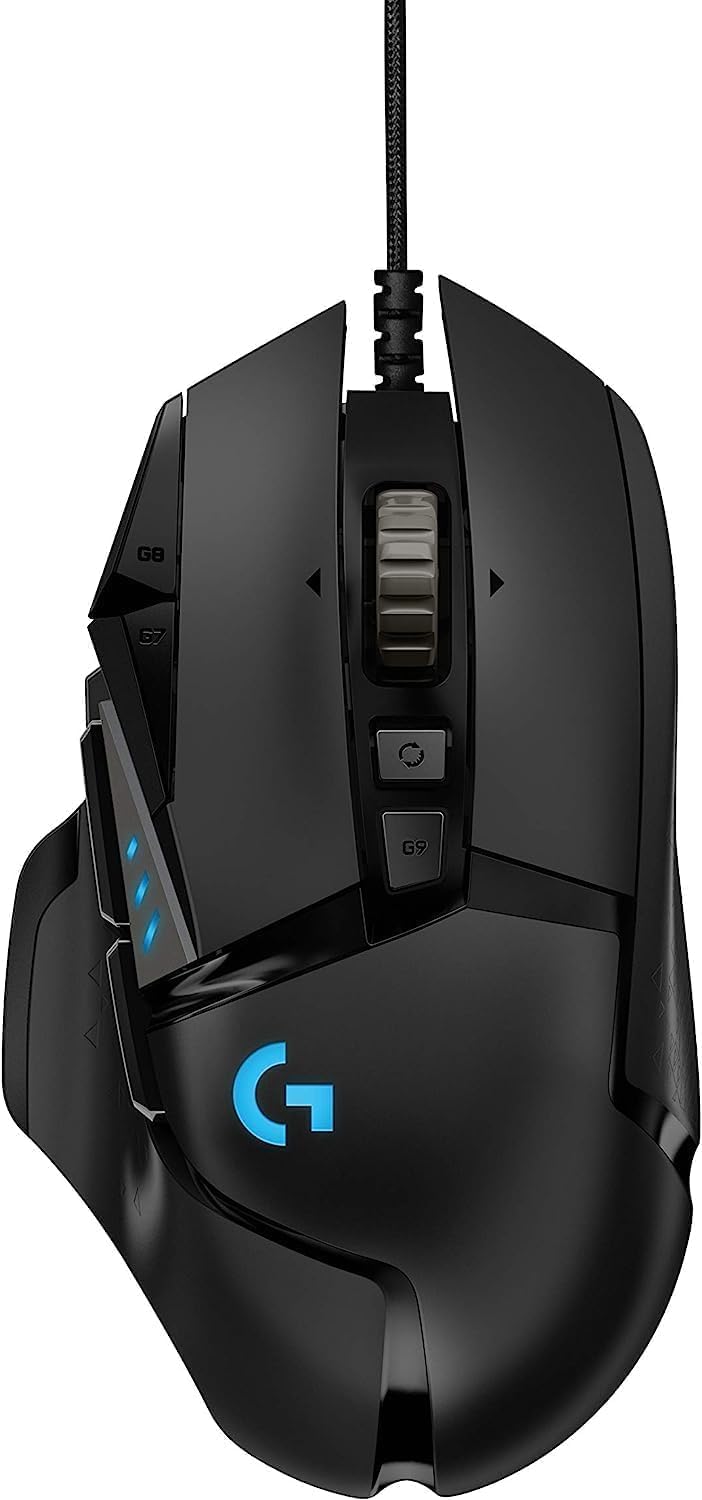



The honest answer most veteran HC mages give in 2026 is: pick the mouse that lets you bind Ice Block, Cone of Cold, Frost Nova, and your healthstone/potion to side buttons without thinking. That is more important than weight, sensor, or RGB.
Why the mouse matters more in Hardcore than in regular Classic
In standard WoW Classic you can die, repair, and re-summon. In Hardcore, a stuck side button on Frost Nova when you meant Cone of Cold can end a 60-day character in under two seconds. Three Hardcore-specific demands sit on top of any normal MMO mouse review:
- Button discoverability under stress. You should be able to feel which thumb button is which without looking. Sculpted, distinct shapes beat a flat 12-button keypad.
- Wireless reliability. A dropped click during Blink-into-Polymorph is a wipe. Both the V3 Pro (HyperSpeed) and G604 (Lightspeed) are tournament-grade, but battery management styles differ a lot.
- Macro layer support. Mages run modifier keybinds (Shift+1, Alt+2, Ctrl+3). The mouse software has to support those binds reliably without firing the wrong spell.
Razer Basilisk V3 Pro vs Logitech G604 at a glance
| Spec | Razer Basilisk V3 Pro | Logitech G604 Lightspeed |
|---|---|---|
| Programmable buttons | 10 (plus tilt wheel) | 15 (6-button thumb panel) |
| Sensor | Focus Pro 30K optical | HERO 25K optical |
| Wireless | HyperSpeed 2.4 GHz + Bluetooth | Lightspeed 2.4 GHz + Bluetooth |
| Battery | ~90 hours, internal Li-ion, USB-C | ~240 hours on a single AA |
| Weight | ~112 g | ~135 g |
| Scroll wheel | HyperScroll Tilt (free-spin + tilt) | Hyperfast scroll + L/R tilt |
| Best hand size | Medium, palm or claw | Medium-to-large palm grip |
| Best for HC mage | Pure latency, lighter sweeps | Max macros for cooldown stacking |
Razer Basilisk V3 Pro for Hardcore mages
The Basilisk V3 Pro is the closest thing Razer makes to a Hardcore-friendly MMO mouse without going to the full Naga keypad. The two thumb buttons are tall, deeply sculpted, and impossible to confuse with each other. That matters. The DPI clutch (the long paddle under the thumb) is the real selling point for raid mages: bind it to Push-to-Talk in Discord and you free up a precious keyboard key for Counterspell.
The Focus Pro 30K sensor is overkill for a 60Hz tab-target MMO, but the HyperSpeed wireless really does feel wired. Click latency on the optical switches is in the 0.2 ms range. For a Frost mage who cycles Frostbolt-Frostbolt-Frostbolt-Ice Lance, that consistency is what you actually feel.
The trade-off is battery. 90 hours sounds like a lot until you forget to dock it on Friday and find it dead before your Sunday Naxx attempt. Razer's charging dock helps, but it is a separate purchase. For an HC mage doing 8-hour leveling sessions, plan to top up nightly.
Logitech G604 Lightspeed for Hardcore mages
The G604 is the spiritual successor to the legendary G602 and it is built for one thing: an MMO player with a million keybinds and zero patience for charging. Drop in a single Energizer AA and it lasts roughly nine months of normal use, or about 240 hours of Lightspeed gaming. For Hardcore, where you do not want a mouse to die mid-Stratholme, that AA model is genuinely safer than a Li-ion you have to remember to dock.
The six-button thumb panel is the headline feature. You can bind Frost Nova, Cone of Cold, Ice Block, Blink, Trinket, and Healthstone all to the side and never touch your keyboard's number row in combat. The buttons are smaller and flatter than a Naga's, but they have distinct positional cues if you take ten minutes to learn them.
Downsides: the G604 is heavy at ~135 g. If you are a low-DPI swiper, your wrist will notice after a four-hour raid. The sensor is HERO 25K, which is excellent but a generation behind the V3 Pro's Focus Pro 30K. For tab-target combat at 800-1600 DPI, you will not see a difference.
If you want alternatives that are easier to find in 2026
Stock on both the Basilisk V3 Pro and the G604 has been spotty since late 2025. Both mice are still being produced but the G604 in particular has gone in and out of stock on Amazon as Logitech transitions some of its MMO lineup. Three currently-available alternatives are worth a real look for a Hardcore mage.
Logitech G502 Lightspeed Wireless — the all-rounder pick
The G502 Lightspeed has 11 programmable buttons including a thumb-rest button that almost nobody else builds. For a mage, that gives you a clean place to bind Ice Block — the panic button you never want to misfire. It uses the same HERO 25K sensor as the G604, the same Lightspeed wireless stack, and weighs about 114 g. Battery is roughly 60 hours, or 140 with the Powerplay mat. It is the closest direct alternative to the Basilisk V3 Pro in feel.
Check the Logitech G502 Lightspeed on Amazon
Logitech G PRO X2 SUPERSTRIKE — for the latency obsessive
If your concern is purely does my click register before I die, the G PRO X2 SUPERSTRIKE is the answer. Inductive switches, sub-1 ms wireless, and a symmetrical shape make it the choice for HC mages who play with macro keyboards or stream decks handling the macro load while the mouse stays simple. You get fewer buttons than a G604, but the clicks themselves are the most consistent on the market in 2026. A lot of speedrunners and HC racers have switched to this mouse for exactly that reason.
Check the Logitech G PRO X2 SUPERSTRIKE on Amazon
Logitech G305 Lightspeed — the budget Hardcore mouse
Hardcore characters die. If you are on your sixth attempt at a 60 mage, spending $150 on a mouse stings. The G305 runs Lightspeed wireless on a single AA for ~250 hours, has six programmable buttons (enough for Frost Nova, Cone of Cold, Ice Block, and two modifier presses), and costs about a third of the Basilisk V3 Pro. The sensor is older HERO at 12,000 DPI, which is still wildly more than any Classic player needs.
Check the Logitech G305 Lightspeed on Amazon
How to actually bind a mage on either mouse
Whichever mouse you pick, a clean Hardcore mage layout looks roughly like this:
- Mouse button 4 (back): Frost Nova. Most-used emergency button — must be the easiest to find.
- Mouse button 5 (forward): Cone of Cold or Blink. Pick one and commit.
- DPI clutch / sniper: Push-to-talk in Discord.
- Thumb panel buttons (G604 only): Ice Block, Healthstone, Trinket, Mana Gem, Evocation, Bandage. Hardcore is about resource cooldowns, not damage cooldowns.
- Scroll click: Mount or Frost Ward.
If you keep Ice Block on a keyboard key, you will eventually misclick it under stress. Put it on a mouse button with a unique shape. This single rule has saved more 60s than any sensor upgrade.
For more keybind discussion, our WoW Classic Hardcore keybind guide walks through mage, warlock, and priest layouts. If you are still building your peripheral setup from scratch, the 2026 best MMO mouse roundup covers Razer Naga V2 Pro and Corsair Scimitar alternatives. Pair either mouse with one of the boards in our best keyboards for WoW Classic roundup for the full HC mage rig.
So which one wins for the Hardcore mage?
If the question is strictly basilisk v3 pro vs g604 wow classic hardcore for a Frost mage, here is the call: the G604 is the safer Hardcore mouse because of the AA battery (no Friday-night charging emergencies) and the extra thumb buttons (Ice Block on its own dedicated sculpted key). The Basilisk V3 Pro is the better feeling mouse with lower latency, a nicer shape, and a far better scroll wheel. If you raid more than you level, take the V3 Pro. If you spend most of your time solo leveling in dangerous zones, take the G604.
Frequently Asked Questions
Is the Razer Basilisk V3 Pro good for WoW Classic Hardcore mages?
Yes. The two large side buttons, DPI clutch, and tilt wheel give a mage six independent mouse inputs without ever needing the 12-button thumb pad of a Naga. It is excellent for a Frost mage who keeps macros on the keyboard and only uses the mouse for Frost Nova, Cone of Cold, and Ice Block. The only caveat is the 90-hour internal battery — set a docking habit before raid night.
Does the Logitech G604 have enough buttons for a HC mage?
The G604 has 15 programmable controls, including a 6-button thumb panel. For a Hardcore mage that is more than enough — you can bind every defensive cooldown (Ice Block, Mana Shield, Evocation, Healthstone, Trinket, Bandage) without touching the keyboard. The thumb buttons are small but tactilely distinct once you have practiced for a couple of hours.
Is the G604 still being made in 2026?
Yes, Logitech still produces the G604 as of 2026, but Amazon stock can be inconsistent because it is an older product in the lineup. If it is out of stock, the G502 Lightspeed is the closest in-house alternative for a mage who prioritizes macros, and the G PRO X2 SUPERSTRIKE is the best alternative for one who prioritizes click latency.
What DPI should a WoW Classic Hardcore mage use?
For 1080p, 800 DPI with 100% in-game sensitivity is the sweet spot. For 1440p, 1200-1600 DPI. WoW Classic is a tab-target game — you do not need a 30K sensor and you do not need 26000 DPI. Both the Basilisk V3 Pro and G604 are dramatically over-spec for the task, which is good: you will never see jitter or acceleration artifacts.
Will my mage die if my wireless mouse drops a click?
Statistically, no — both Razer HyperSpeed and Logitech Lightspeed are tournament-grade and drop fewer clicks than wired USB polling at 1000 Hz. The much more common Hardcore death cause is a side button misfire from a flat, undifferentiated thumb keypad. Sculpted, distinct mouse buttons (which both these mice have) are safer than a Naga 12-button grid for high-stress play.
Is it worth waiting for the Basilisk V4 in 2026?
Razer announced the Basilisk V4 lineup at CES 2026 but availability is staggered through the year. If you are racing to 60 on a new Hardcore realm right now, do not wait — the V3 Pro is still excellent and the V4's biggest upgrades (lighter weight, new optical switches) are not Hardcore-critical. If you are in no rush and play casually, sure, wait a few months.
Can I share one mouse between my mage and my warlock?
Yes, and you should. Both Razer Synapse and Logitech G HUB let you save per-character button profiles that auto-load when WoW.exe launches a specific WTF profile folder. A warlock's keybinds (Soulstone, Healthstone, Fear, pet swap) map cleanly onto the same mouse layout as a mage with very minor swaps. The G604's six-button thumb panel is especially good for this multi-class use case.
Key Takeaways
- Choosing the right basilisk v3 pro vs g604 wow classic hardcore means matching capacity and output ports to your actual devices
- Always check actual watt-hours (Wh), not just watts — runtime depends on Wh, not peak output
- Also covers: best mmo mouse hardcore wow mage
- Also covers: basilisk v3 pro mage macro setup
- Also covers: g604 wow classic key bind comparison
- Compare price-per-Wh across models to find the best value for your budget