If your mouse is misfiring and you need a logitech g pro x superlight double click fix outside of Logitech's two-year warranty window, you have three realistic paths in 2026: clean the switch contacts with isopropyl alcohol and compressed air, perform a debounce-time adjustment in G HUB, or open the shell and either reflow or replace the Omron D2FC switch. None of these require a soldering wizard, but they do require patience. If repair feels like too much risk, upgrading to a current-generation wireless mouse with optical switches (which physically cannot develop double-click drift) is usually the smartest long-term move.
Why the G Pro X Superlight develops double-click after warranty
The original Superlight uses mechanical Omron switches rated for around 50 million clicks. After 18-30 months of daily gaming, oxidation builds up on the metal leaf contacts inside the switch. When the contacts no longer make clean, instantaneous contact, the mouse interprets a single physical press as two electrical signals, the dreaded double-click. Heat, humidity, finger oils that wick down the click stem, and the natural fatigue of the copper spring all accelerate the problem. The good news: the failure is almost always mechanical and almost always fixable.



Step 1: Rule out software before opening anything
Before you grab a screwdriver, eliminate the easy causes. Open G HUB, select your Superlight, go to Settings, and look for the debounce slider (Logitech rolled this out to the original Superlight via firmware in late 2024). Raise debounce from the default 8 ms to 12-16 ms. This tells the firmware to ignore any second click within that window, which masks early-stage switch wear without any hardware work. It is the cleanest logitech g pro x superlight double click fix you can attempt, and for many users it buys another 6-12 months of life from the mouse.
Also test the mouse on a second PC. Windows can occasionally double-fire if mouse drivers are corrupted, and a clean test rules that out before you void anything by disassembling.
Step 2: The contact cleaning method (no soldering)
If debounce tuning is not enough, the next escalation is mechanical cleaning. You will need:
- A small Phillips #00 screwdriver
- A plastic spudger or guitar pick
- 99% isopropyl alcohol
- Compressed air
- A replacement set of mouse feet (the originals will not survive removal)
Peel the feet, remove the four screws underneath, and gently separate the top shell. Disconnect the ribbon cable to the click PCB. Locate the white Omron D2FC-F-K (50M) switch under the left button. With the shell still apart, click the switch rapidly 30-50 times while spraying short bursts of compressed air directly into the seam at the base of the white actuator. Then place a single drop of 99% isopropyl on the seam and click another 50 times. The contacts inside scrub themselves clean. Let it dry for 10 minutes, reassemble, and test.
This works in roughly 60-70% of cases reported in repair communities. When it does not, the contacts are too pitted and you have moved on to switch replacement territory.
Step 3: Switch replacement (the permanent fix)
A genuine Omron D2FC-F-K (50M) switch costs about $2 on AliExpress or Amazon. Desolder the three pins of the failing switch with a solder sucker or desoldering braid, drop in the new one, and resolder. If you have never soldered before, this is actually a beginner-friendly job because the through-hole pads are large and well-spaced. YouTube tutorials from TaeKeyboards and Optimum walk through it in under 10 minutes. Expect the repaired mouse to last another 2-3 years.
If the idea of a soldering iron near a $150 mouse makes you nervous, you have permission to skip ahead. Replacement mice are not as expensive as they used to be, and the 2026 generation has solved this exact problem at the hardware level.
When repair stops making sense: upgrade picks for 2026
If your Superlight is over three years old, has already had one repair, or shows scroll-wheel issues alongside the double-click, you are throwing good money after bad. The mice below all use either optical switches or hybrid optical-mechanical designs that eliminate contact oxidation entirely. For more depth on each, see our best wireless gaming mice for 2026 roundup and our companion guide on lightweight FPS mice under 65 grams.
Comparison: direct Superlight replacements
| Mouse | Weight | Sensor | Switch type | Battery life | Best for |
|---|---|---|---|---|---|
| Logitech G PRO X2 Superstrike | ~60 g | HERO 2 (44K) | Inductive (no contacts) | ~95 hrs | Direct Superlight upgrade |
| Logitech G502 Lightspeed | 114 g | HERO 25K | Mechanical Omron | ~60 hrs | Heavier palm grip, MMO buttons |
| Logitech G305 Lightspeed | 99 g | HERO 12K | Mechanical Omron | ~250 hrs (AA) | Budget wireless |
| acer Wired Gaming Mouse | ~95 g | Optical 12,800 DPI | Mechanical | N/A (wired) | Sub-$30 backup |
Logitech G PRO X2 Superstrike — the proper successor
The X2 Superstrike is what the original Superlight should have been. It introduces Logitech's new inductive click system, which uses electromagnetic sensing instead of physical metal contacts. There is literally nothing inside the switch to oxidize, so the double-click failure mode you are currently fighting cannot recur. Weight is down to roughly 60 grams, the HERO 2 sensor pushes 44,000 DPI with 888 IPS tracking, and battery life sits near 95 hours. If you loved the Superlight shape, this is the no-compromise replacement. Check the G Pro X2 Superstrike on Amazon.
Logitech G502 Lightspeed — for palm grippers who miss the buttons
If the Superlight always felt too small or too featureless and you only bought it for the wireless reliability, the G502 Lightspeed is the antidote. Eleven programmable buttons, an adjustable weight system, the proven HERO 25K sensor, and the iconic dual-mode scroll wheel make it the go-to for MMO and MOBA players. It still uses mechanical Omron switches, so it can theoretically develop the same double-click issue in a few years, but the higher-tier 80M-rated switches Logitech uses here are more durable. See the G502 Lightspeed on Amazon.
Logitech G305 Lightspeed — the budget bailout
Not every gamer wants to spend $160 to replace a mouse. The G305 runs on a single AA battery (250 hours of life), uses the same Lightspeed 1 ms wireless protocol the Superlight made famous, and tracks with the HERO 12K sensor that is more than enough for any non-pro player. At roughly a third of the Superlight's price, it is a perfectly acceptable stopgap while you decide whether to repair, upgrade, or wait for the X2 successor to drop in price. View the G305 Lightspeed on Amazon.
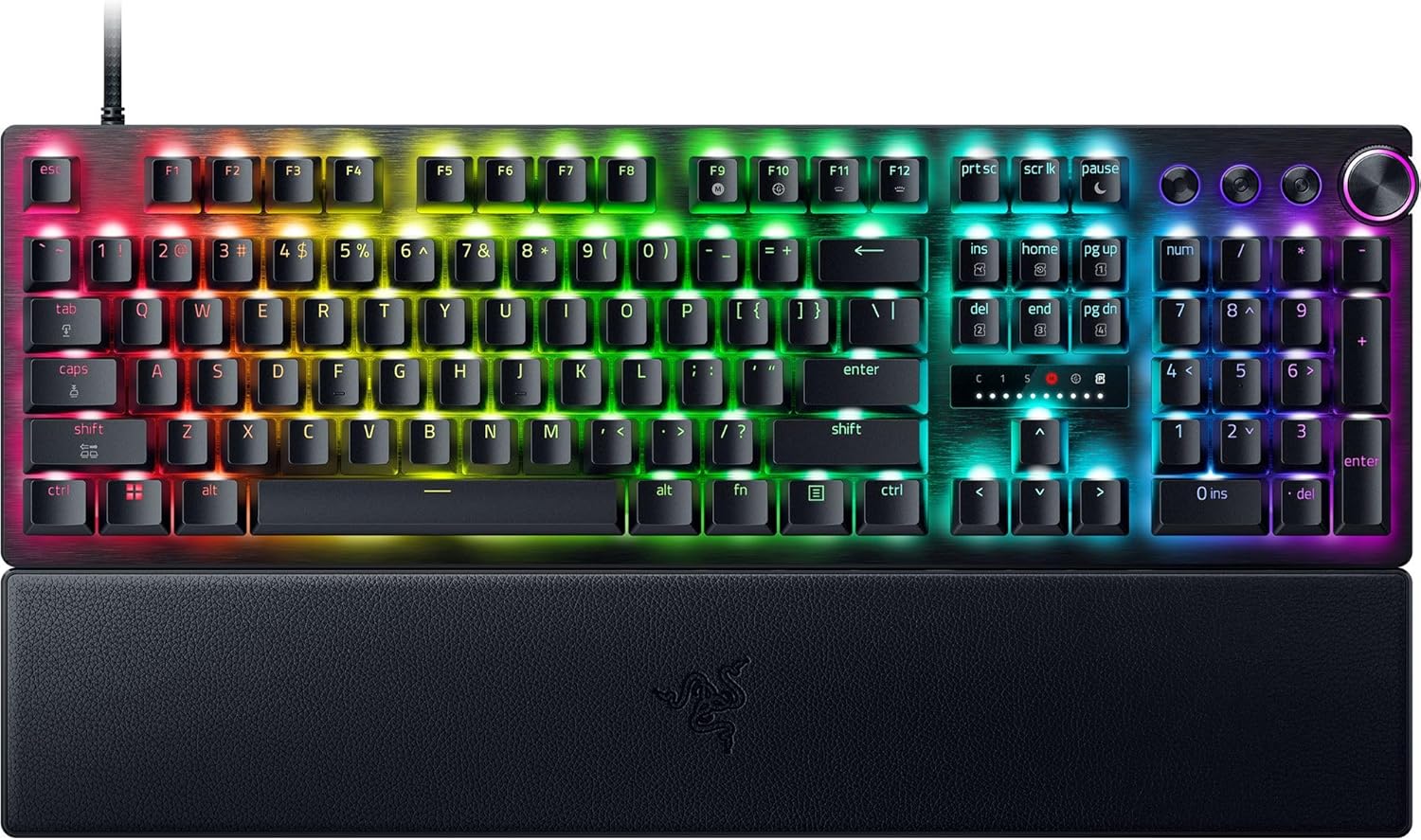
acer Wired Gaming Mouse — the emergency loaner
If you need something working today and cannot wait two days for shipping on a flagship, the acer wired option at 12,800 DPI is a $25-ish placeholder that will get you through a tournament weekend or a deadline. Wired means zero battery anxiety and zero wireless latency to argue about. Grab the acer gaming mouse on Amazon.
Preventing double-click on your next mouse
Whether you repair the Superlight or replace it, a few habits extend switch life dramatically: keep your hands clean and dry before gaming sessions, avoid eating at your desk (crumbs and oils migrate into the switch stem), store the mouse in a low-humidity room, and skip the rapid-fire macros that artificially burn through click cycles. If you can, choose your next mouse based on switch type, optical and inductive switches simply do not develop this failure. For broader buying advice including keyboards and headsets that pair well with these mice, our 2026 peripheral buyer's guide covers the whole desk.
Frequently Asked Questions
Is the G Pro X Superlight double-click covered under Logitech's warranty?
Yes, the original Superlight ships with a two-year limited warranty in most regions, and double-click failure is the single most common warranty claim Logitech honors. If you are still inside that window, do not open the mouse, contact Logitech support first. They typically issue a replacement without requiring you to return the old unit. Only attempt the repairs in this guide if your warranty has already expired or you bought the mouse used.
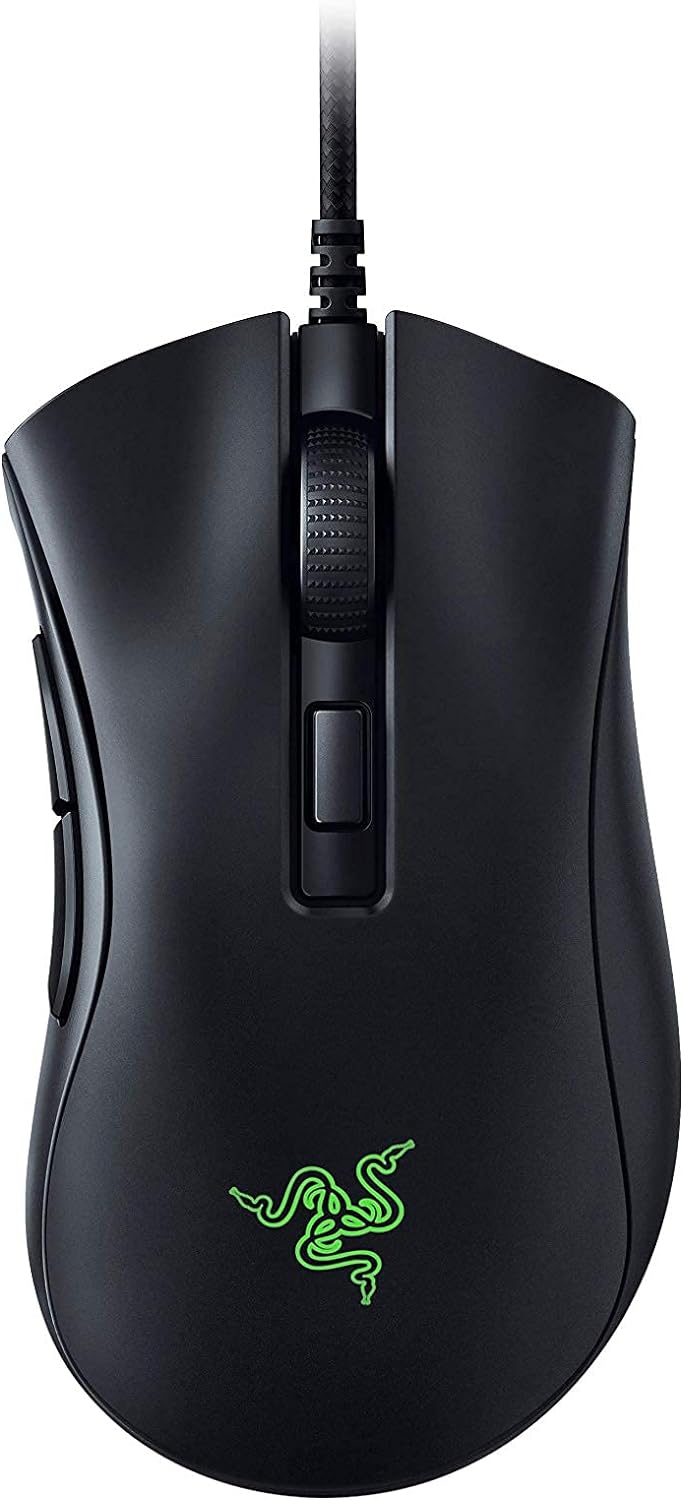
Will adjusting debounce time in G HUB permanently fix the Superlight double-click?
No, debounce tuning is a workaround, not a cure. Raising the debounce from 8 ms to 12-16 ms tells the firmware to ignore a second click within that window, which hides the symptom while the underlying contact oxidation continues to worsen. Most users get an extra 6-12 months out of the mouse before debounce alone is no longer enough. It is the right first step, but plan for hardware repair or replacement eventually.
Can I replace the Omron switch in the Superlight without soldering?
Not properly. The D2FC-F-K switch is through-hole soldered to the click PCB, so a permanent replacement requires desoldering the three pins and soldering in the new switch. Hot-swap sockets do exist as a mod, but installing them also requires soldering. If you absolutely refuse to solder, your only no-tools options are contact cleaning with isopropyl alcohol or raising the debounce time in G HUB.
How much does it cost to repair a G Pro X Superlight double-click yourself?
Roughly $10-15 total. Replacement Omron D2FC-F-K (50M) switches run about $2 each, a basic 60W soldering iron and solder are around $25 if you do not already own one, replacement mouse feet are $5-8, and isopropyl alcohol is a couple of dollars. Compared to a $150 replacement mouse, the repair is a no-brainer financially, provided you are comfortable with basic soldering.
Is the new G Pro X2 Superstrike immune to the double-click problem?
Effectively, yes. The X2 Superstrike uses Logitech's new inductive switch technology, which detects clicks through changes in an electromagnetic field rather than physical metal-on-metal contact. There are no contacts to oxidize, no leaf spring to fatigue, and no debounce algorithm to mask wear. Logitech rates the new switches at over 100 million clicks, and early teardowns suggest the failure mode that plagued the original Superlight is genuinely gone.
Will compressed air alone fix a double-clicking Superlight?
Sometimes, briefly. Compressed air can dislodge dust and debris sitting on top of the switch contacts, which may resolve a very early-stage double-click for a few weeks. But if oxidation has already formed on the metal contacts, air alone will not remove it. You need the combination of compressed air, isopropyl alcohol, and rapid click cycling to mechanically scrub the contacts clean. Air-only treatment is a 10% solution at best.
Should I repair my Superlight or just buy the G Pro X2 Superstrike?
Repair if the mouse is under two years old, the shell and feet are in good shape, and you enjoy the project. Replace if the mouse has already been repaired once, the scroll wheel is also acting up, the cable on the charging dongle is fraying, or you simply want a guarantee the problem will not return. The X2 Superstrike's inductive switches make the upgrade genuinely future-proof in a way the original Superlight never was.
Key Takeaways
- Choosing the right logitech g pro x superlight double click fix means matching capacity and output ports to your actual devices
- Always check actual watt-hours (Wh), not just watts — runtime depends on Wh, not peak output
- Also covers: g pro x superlight switch replacement
- Also covers: logitech superlight double clicking out of warranty
- Also covers: fix superlight left click registering twice
- Compare price-per-Wh across models to find the best value for your budget