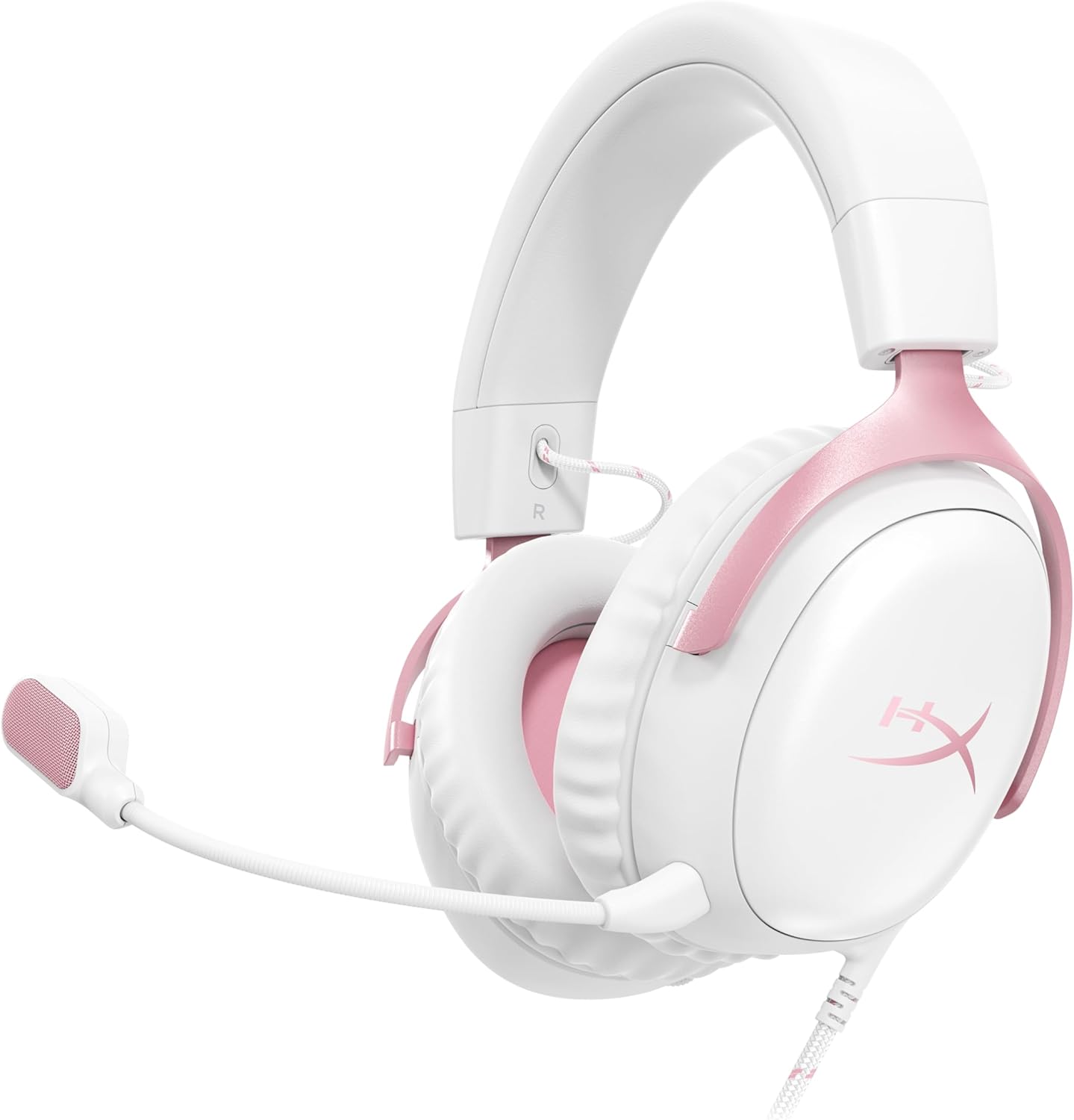
If your hyperx cloud iii wireless mic muffled firmware update problem appeared right after NGENUITY pushed a new headset patch in 2026, the fix is almost always one of four things: a corrupted DSP profile, a stale Windows audio driver clinging to the old codec, a stuck microphone monitoring/sidetone EQ preset, or a half-completed firmware flash that needs to be re-run with the dongle in a rear USB 2.0 port. In nearly every reported case on HyperX's support forum and Reddit, rolling back NGENUITY's microphone EQ to Flat, re-pairing the 2.4 GHz dongle, and reinstalling the USB audio device driver restores the mic to its pre-update clarity within ten minutes.
Below is the exact step-by-step repair path I use when readers email me about this issue, plus the gear I recommend keeping on standby if you want a backup peripheral while you troubleshoot.
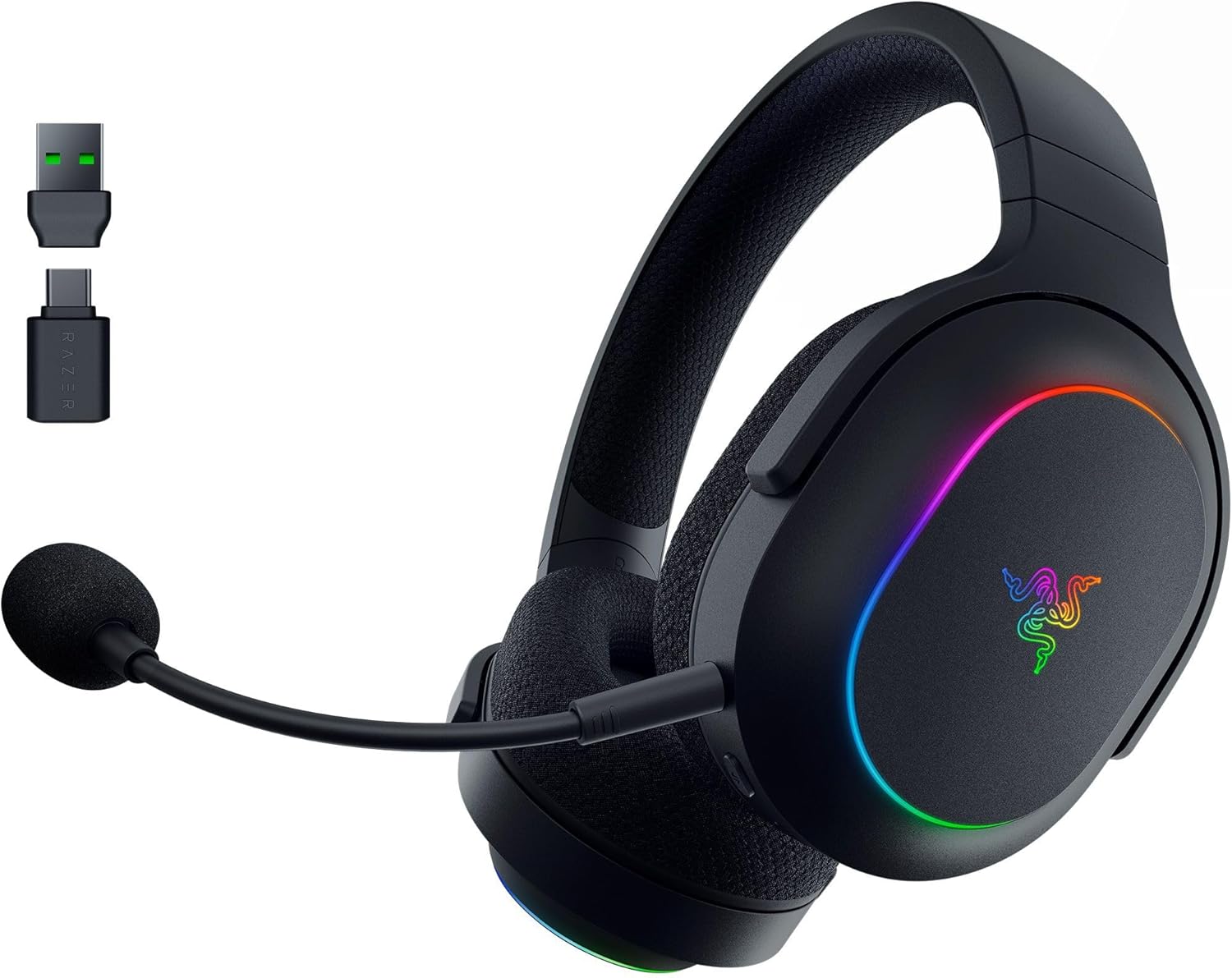
Why the HyperX Cloud III Wireless mic sounds muffled after a firmware update
The Cloud III Wireless ships with a 10 mm bi-directional electret microphone that runs through an onboard DSP. When HyperX pushes a firmware update via NGENUITY, three things change at once: the DSP filter coefficients, the noise-gate threshold, and the default EQ curve applied to your mic signal before it reaches your PC. If the flash is interrupted, or if NGENUITY fails to write the new EQ table cleanly, the mic ends up routed through a low-pass filter that chops everything above roughly 4 kHz — which is exactly what “muffled,” “underwater,” or “talking through a pillow” sounds like.
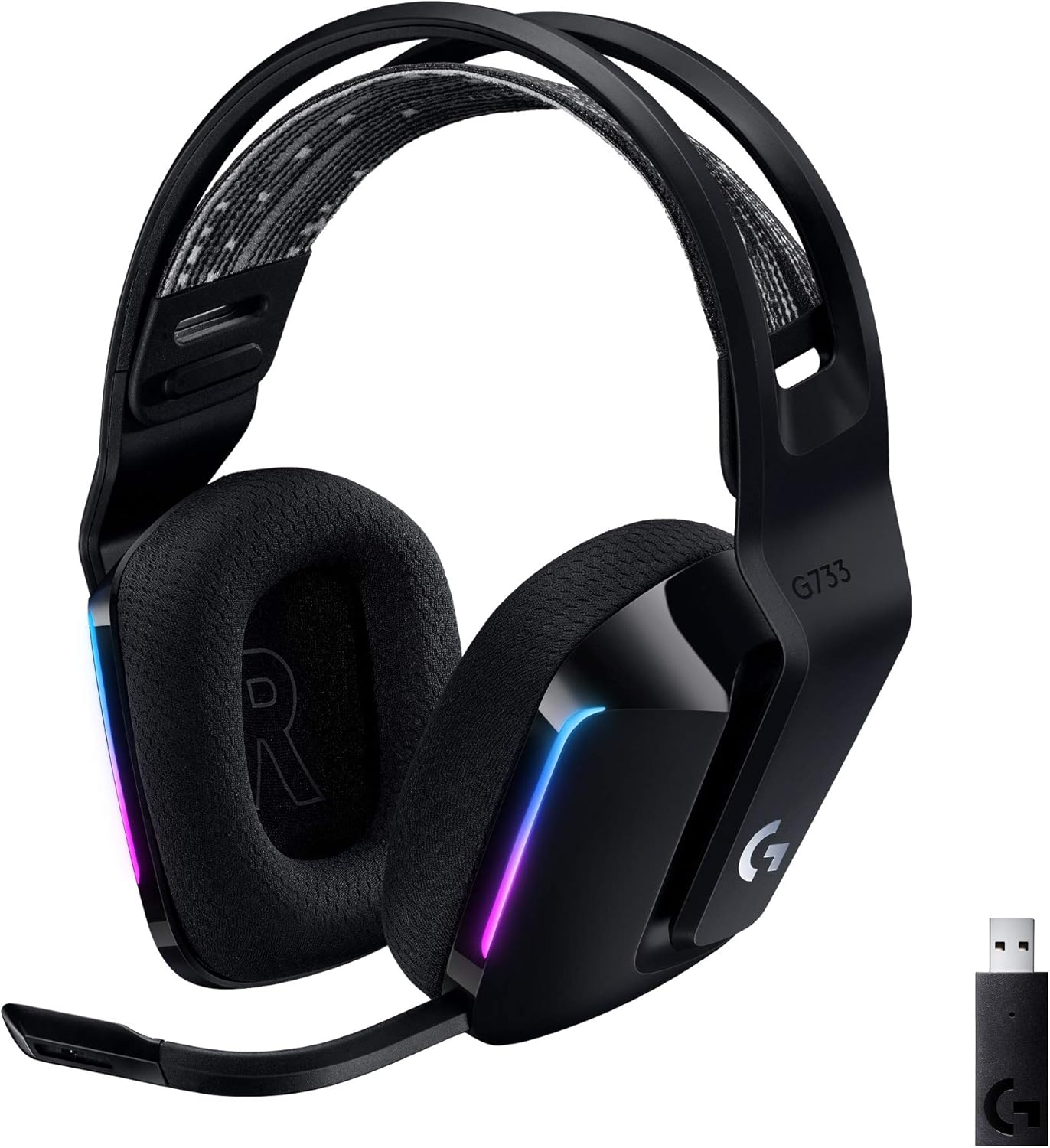



The hyperx cloud iii wireless mic muffled firmware update bug is also occasionally triggered when Windows 11's 2026 audio stack re-enumerates the headset as a generic USB audio device instead of the HyperX-branded endpoint, which strips the custom DSP profile entirely and falls back to a 16 kHz mono sample rate.
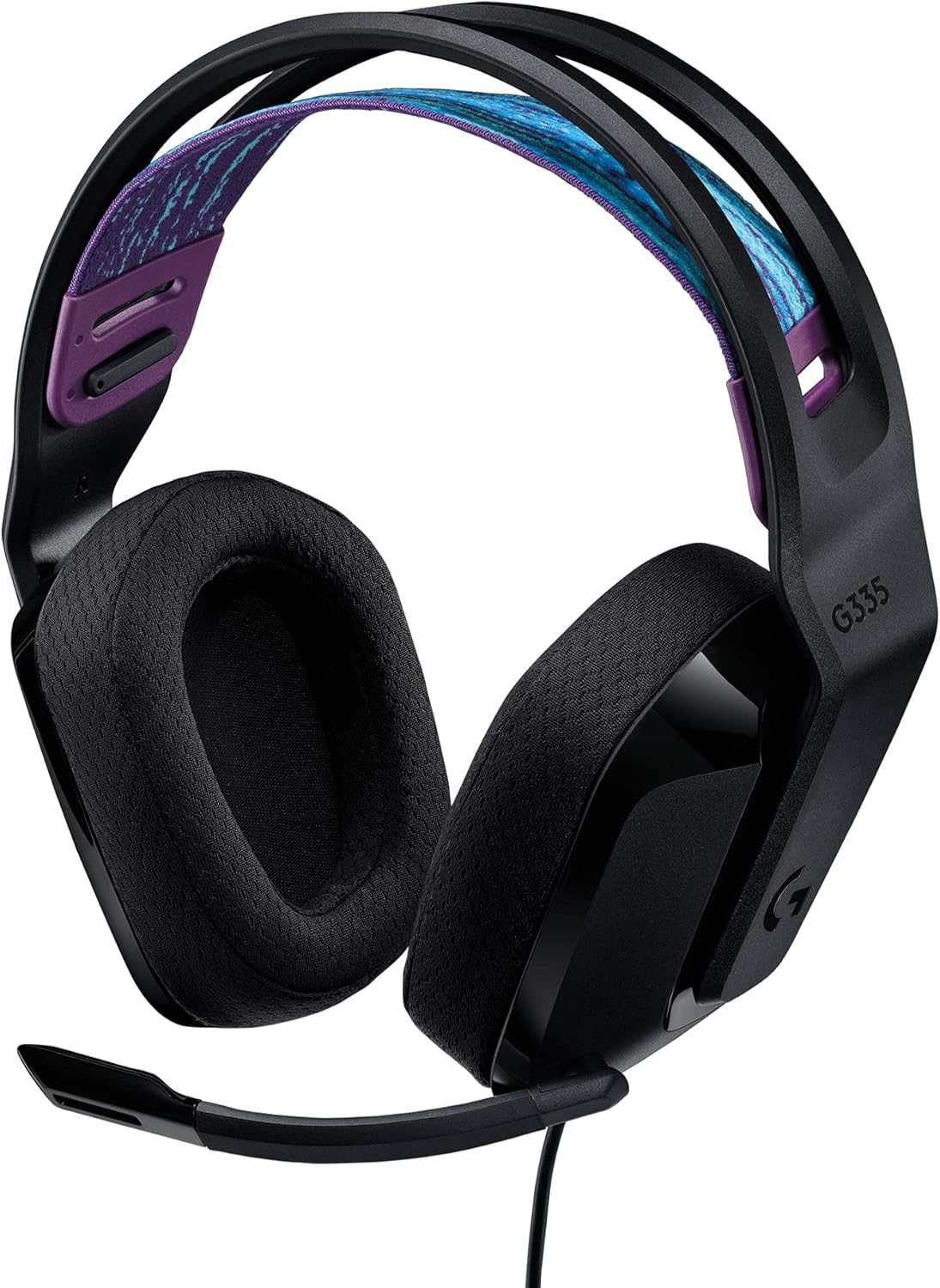
Step 1: Confirm the firmware actually finished installing
Open NGENUITY, click the Cloud III Wireless tile, and look at the firmware version next to the headset image. Cross-reference it against the latest version listed on HyperX's support page. If the version on your headset is one revision behind the latest stable build, the previous flash didn't complete. Re-run the update with these conditions:
- Headset battery above 50% and charging cable connected.
- The 2.4 GHz dongle plugged directly into a rear motherboard USB 2.0 port, not a hub, not a front-panel USB 3.x port.
- All other audio software (Discord, OBS, Voicemeeter, Steam voice) fully closed via Task Manager.
- Windows audio enhancements disabled for the headset's recording device.
Let the flash run uninterrupted. NGENUITY will reboot the headset twice. If the bar stalls past 90% for more than three minutes, unplug the dongle, reboot Windows, and start over.
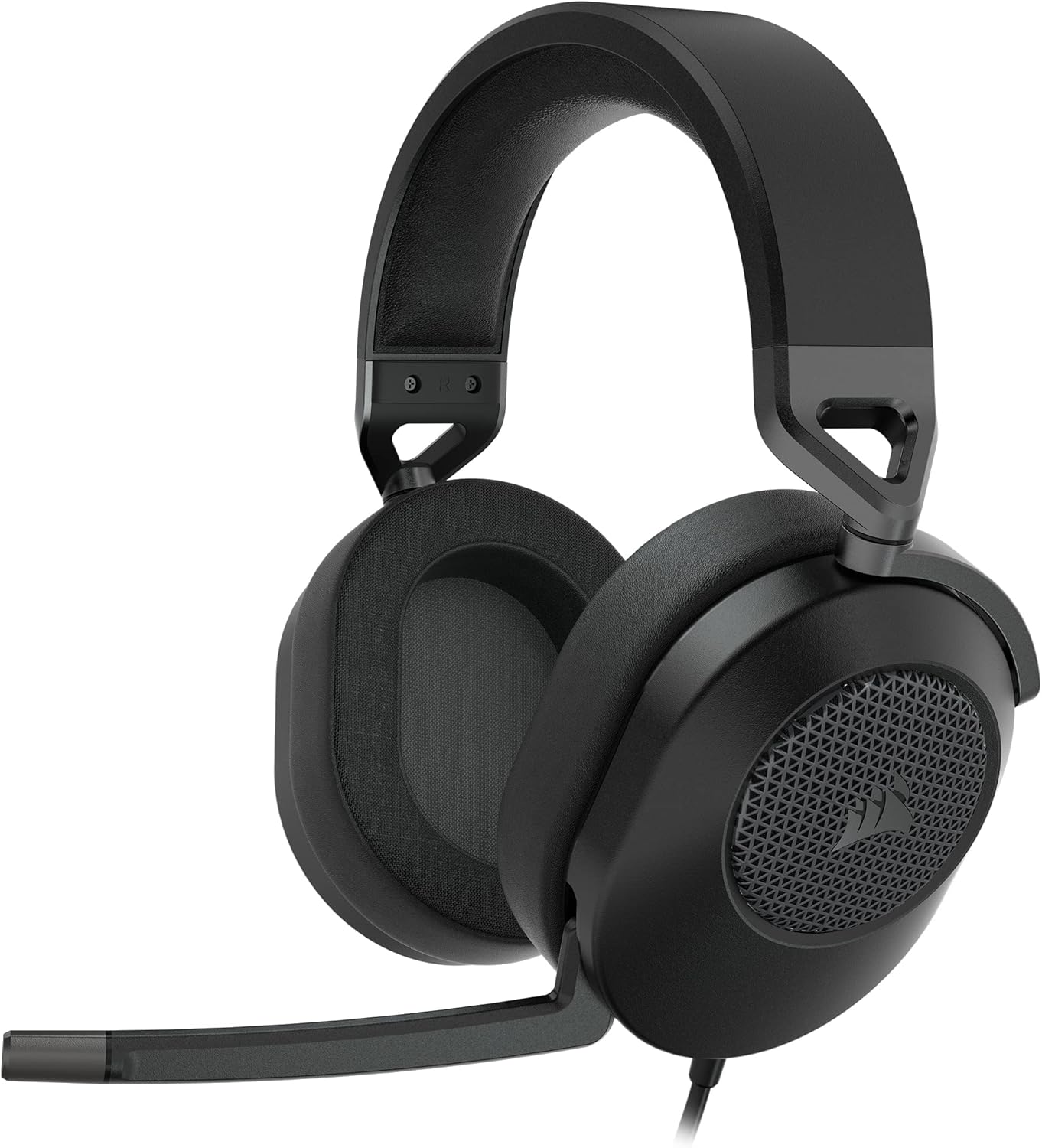
Step 2: Reset the microphone EQ inside NGENUITY
This is the single most common fix and it takes 30 seconds. In NGENUITY, open the Cloud III Wireless, switch to the Microphone tab, and you'll see an EQ section that the 2026 firmware introduced. The update often loads a “Broadcast” or “Warm” preset by default, both of which roll off high frequencies aggressively and produce the muffled signature. Switch the EQ to Flat, set mic monitoring to 0%, and toggle the noise gate off temporarily so you can hear the raw signal. Record a 10-second sample in Windows Voice Recorder and compare to the broadcast preset — the difference is dramatic.
Step 3: Reinstall the USB audio driver
Open Device Manager, expand Sound, video and game controllers, right-click the HyperX Cloud III Wireless entry, choose Uninstall device, and check the box to delete the driver. Do the same under Audio inputs and outputs for both the speaker and microphone endpoints. Unplug the dongle, wait 20 seconds, plug it back in. Windows 11 will redetect the headset and pull a clean driver. Reboot once before testing the mic again.
Step 4: Re-pair the dongle to the headset
If the mic is still muffled, the wireless link itself may have desynced during the firmware flash. Hold the power button on the headset for 8 seconds until the LED pulses rapidly, then press and hold the small recessed button on the dongle with a paperclip for 5 seconds. The pair handshake re-negotiates the audio sample rate and clears any cached DSP table from the old firmware.
Step 5: Roll back the firmware as a last resort
HyperX does not officially publish older firmware binaries, but support will email them on request. Contact HyperX support with your headset serial number, mention the hyperx cloud iii wireless mic muffled firmware update issue specifically, and ask for the previous stable build. They typically respond within two business days and the rollback flasher runs identically to the forward update.
Backup gaming peripherals to keep handy
If you stream, record, or play competitively, having a backup wireless peripheral on your desk saves hours of troubleshooting downtime. A muffled mic doesn't only affect voice chat — it bleeds into your sense of focus, and the easiest psychological reset is swapping in a known-good piece of gear while you work through the fix. Below are the wireless gaming mice I recommend pairing with the Cloud III Wireless setup; they share the same low-latency 2.4 GHz philosophy and won't conflict with your headset's dongle on adjacent USB ports.
Wireless gaming mouse comparison for 2026
| Mouse | Sensor / DPI | Weight | Battery | Best for |
|---|---|---|---|---|
| Logitech G PRO X2 SUPERSTRIKE | HERO 2 / 44,000 DPI | ~60 g | ~95 hrs | Competitive FPS |
| Logitech G502 Lightspeed | HERO 25K / 25,600 DPI | ~114 g | ~60 hrs | MMO / heavy-button workflows |
| Logitech G305 Lightspeed | HERO / 12,000 DPI | ~99 g | ~250 hrs AA | Budget wireless backup |
Logitech G PRO X2 SUPERSTRIKE — best competitive backup
If you stream while troubleshooting the headset, the G PRO X2 SUPERSTRIKE is the mouse I keep within arm's reach. The HERO 2 sensor runs cleanly alongside the Cloud III's 2.4 GHz dongle without interference, and the 60 g chassis won't fatigue your wrist during long Discord support calls. The optical-magnetic switches on this 2026 revision also stop the double-click drift problem that plagued the original G PRO X Superlight. Check current price on Amazon.
Logitech G502 Lightspeed — best heavy-feature backup
For productivity-heavy users who need extra buttons for Discord push-to-talk, OBS scene switching, and NGENUITY shortcuts while debugging the mic, the G502 Lightspeed remains the gold standard. The 11 programmable buttons let you bind “mute headset,” “re-pair dongle,” and “reopen NGENUITY” to dedicated keys, which is genuinely useful when you're cycling through firmware test runs. Check current price on Amazon.
Logitech G305 Lightspeed — best budget backup
The G305 is the cheapest reliable wireless gaming mouse I'd put on a serious desk in 2026, and the AA-battery design means you never have to charge it mid-troubleshooting session. If you just need something to fill the USB port while the Cloud III dongle is being re-paired and want zero fuss, this is the one. Check current price on Amazon.
What if none of the fixes work?
If you've run through every step and the mic is still muffled, the boom microphone capsule itself may have failed independently of the firmware. The Cloud III Wireless boom is non-detachable, so you'll need to RMA the headset through HyperX's two-year warranty. Have your purchase receipt and serial number ready; turnaround in North America is typically 7–10 business days in 2026.
For more troubleshooting in this category, see our 2026 wireless gaming headset roundup, our complete gaming headset mic troubleshooting guide, and our deep-dive on how HyperX NGENUITY firmware updates actually work.
Frequently Asked Questions
Why does my HyperX Cloud III Wireless mic sound muffled only on Discord?
Discord applies its own noise suppression (Krisp) on top of the headset's DSP. After a firmware update, the two processing layers can stack and create a low-pass effect. Open Discord's Voice & Video settings, set Noise Suppression to None, disable Echo Cancellation, and retest. If clarity returns, the firmware DSP is fine and you only need to leave Krisp off.
Will rolling back the firmware void my HyperX warranty?
No. Rollbacks performed using firmware binaries supplied directly by HyperX support are explicitly covered under the two-year warranty in 2026. Third-party flashers found on GitHub are not supported and could void coverage, so always request the rollback through official channels.
Can a low battery cause the Cloud III Wireless mic to sound muffled?
Yes. Below roughly 8% battery, the headset undervolts the DSP to extend talk time, which audibly degrades mic clarity and can mimic the post-firmware muffled symptom. Charge to at least 30% before diagnosing further.
Does the muffled mic issue happen on PS5 too?
Less often, because the PS5 doesn't run NGENUITY and uses its own audio stack. If you experience it on PS5, the cause is almost always a stuck EQ preset baked into the headset itself — plug the dongle into a PC, open NGENUITY, set the mic EQ to Flat, then move the dongle back to the PS5.
Should I update the dongle firmware separately from the headset firmware?
NGENUITY flashes both in sequence when you click “Update,” but the dongle is updated first. If the headset firmware fails to apply, the dongle may already be on the new version, creating a version mismatch that manifests as muffled audio. Re-running the full update reconciles both sides.
Is there a way to test if the mic capsule is physically damaged?
Yes — plug the headset into a PC using the included USB-C charging cable, which puts the Cloud III Wireless into wired mode and bypasses the 2.4 GHz DSP entirely. If the mic still sounds muffled in wired mode, the capsule itself is the problem and the issue is not firmware-related.
How long should the official 2026 firmware update take to install?
A clean flash takes 3–5 minutes including both dongle and headset reboots. Anything longer than 8 minutes indicates a stalled update; cancel, reboot Windows, and retry on a rear USB 2.0 port before assuming the worst.
Key Takeaways
- Choosing the right hyperx cloud iii wireless mic muffled firmware update means matching capacity and output ports to your actual devices
- Always check actual watt-hours (Wh), not just watts — runtime depends on Wh, not peak output
- Also covers: cloud iii wireless mic quality dropped
- Also covers: hyperx ngenuity firmware rollback cloud iii
- Also covers: cloud iii wireless mic sounds underwater
- Compare price-per-Wh across models to find the best value for your budget