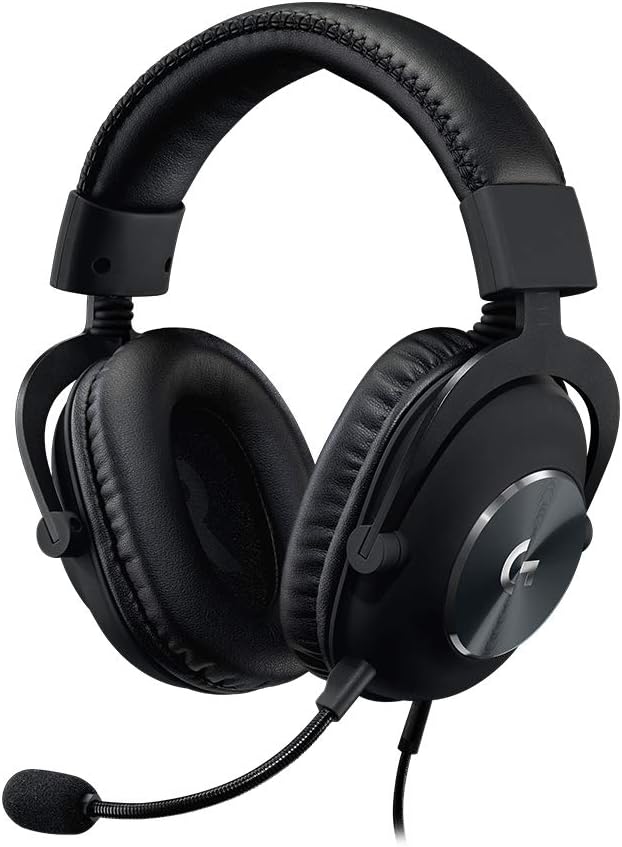
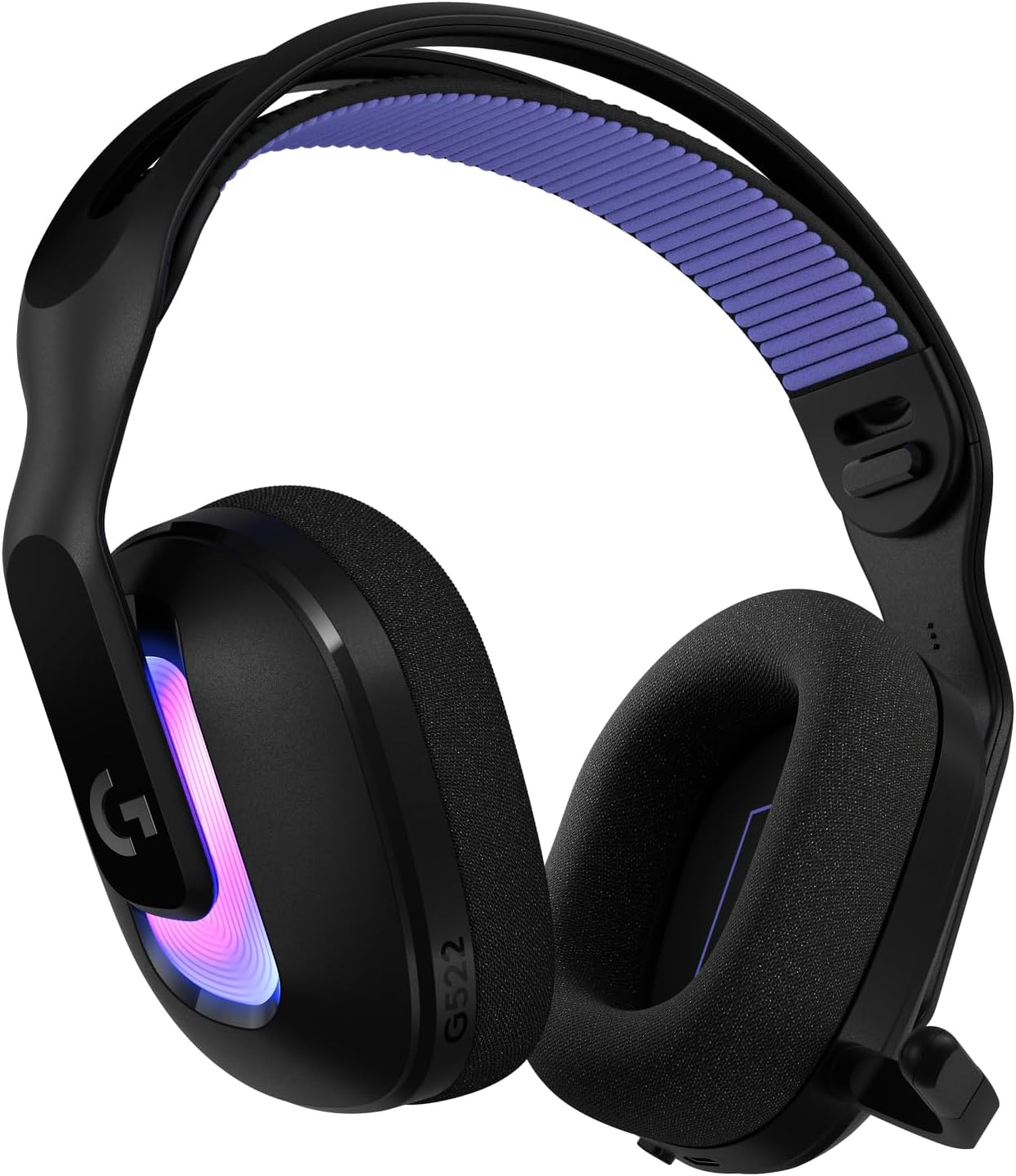
If you dance in VRChat with a full body tracking rig, the Audio-Technica ATH-G1WL is one of the few wireless gaming headsets actually built for the way you play. For ath g1wl vrchat full body tracking sessions, you need lightweight clamp, low-latency 2.4 GHz audio, a boom mic that survives squats and spins, and battery life long enough to outlast a four-hour dance world meetup. The ATH-G1WL hits all four. Below, we break down why it works for FBT dancers specifically, what to pair it with on your desktop, and how to dial in the audio settings so your trackers, mic, and spatialized music all behave.
Why the ATH-G1WL Works for VRChat Full Body Tracking
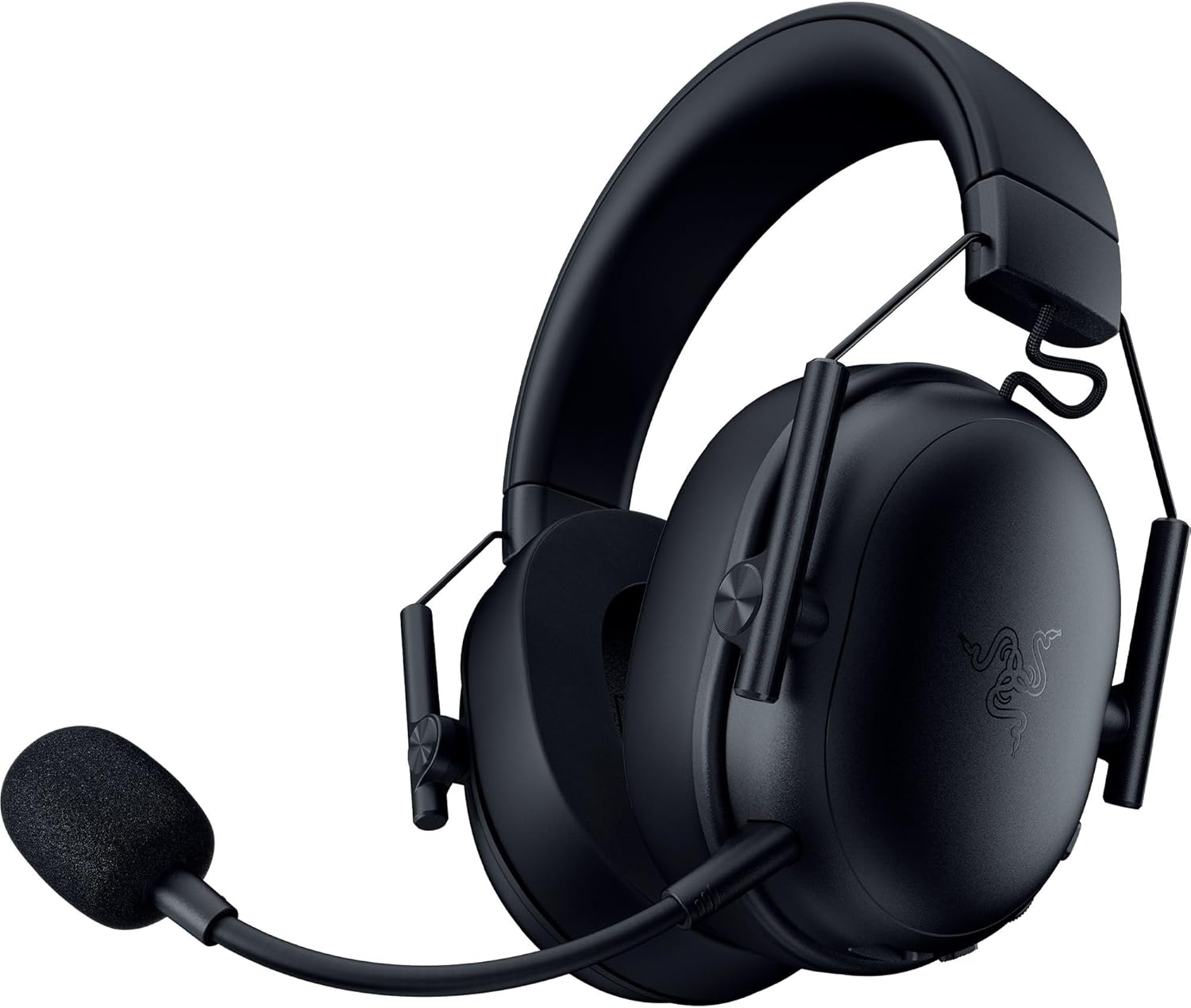
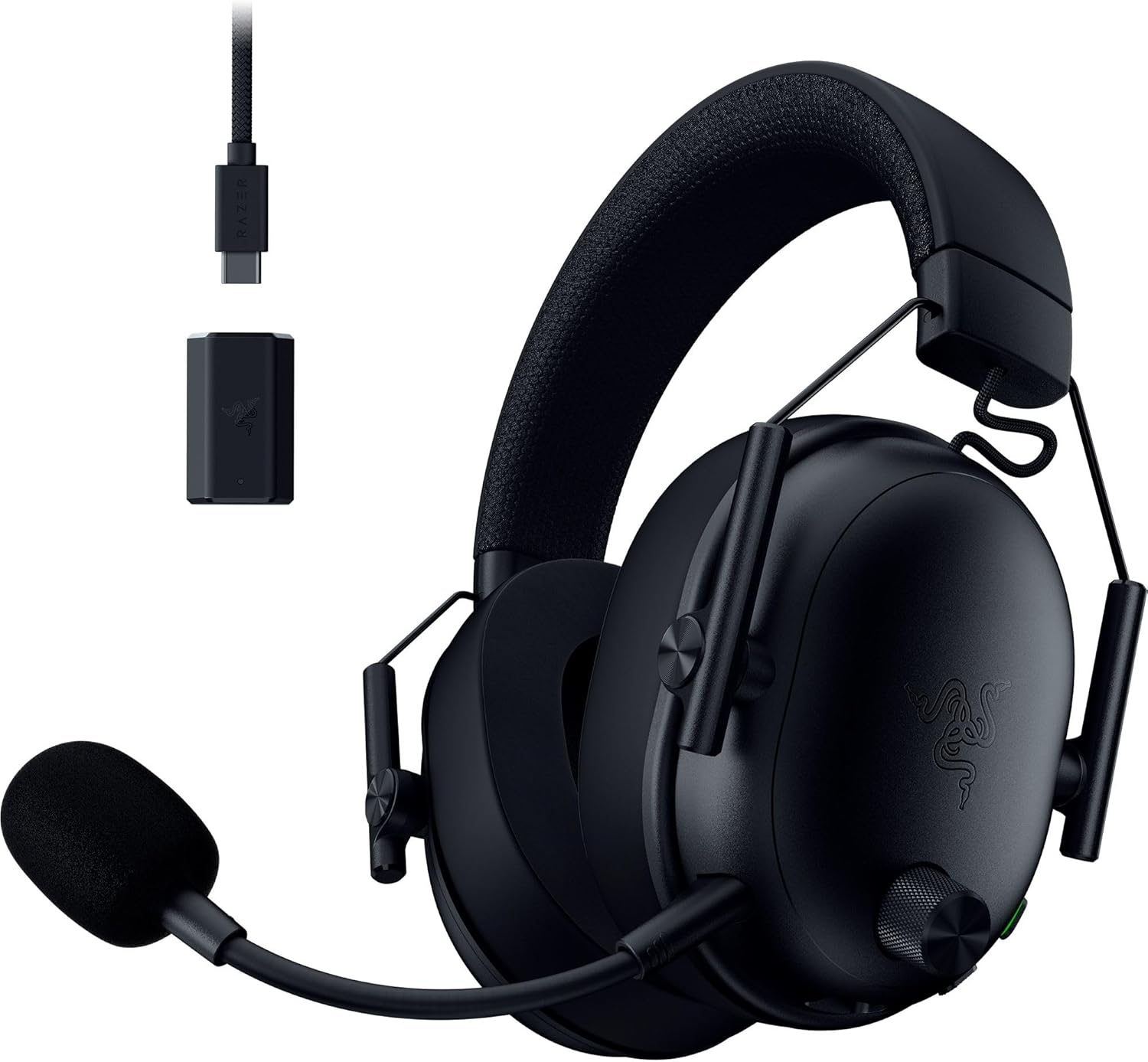
Full body tracking changes everything about how a headset has to perform. You are not sitting still. You are squatting, jumping, leaning, doing splits in front of a Vive base station, and occasionally yeeting your arms toward the ceiling during a club beatmap. Wired headsets snag on chest straps and hip trackers. Heavy headsets slide forward when you bend down. Tight clamp causes headaches inside a Quest 3 or Index head strap. The ATH-G1WL was designed as a long-session esports headset, and those same traits, low weight (around 250 grams), gentle clamp, and a 2.4 GHz USB wireless dongle, make it a surprisingly perfect ath g1wl vrchat full body tracking companion.
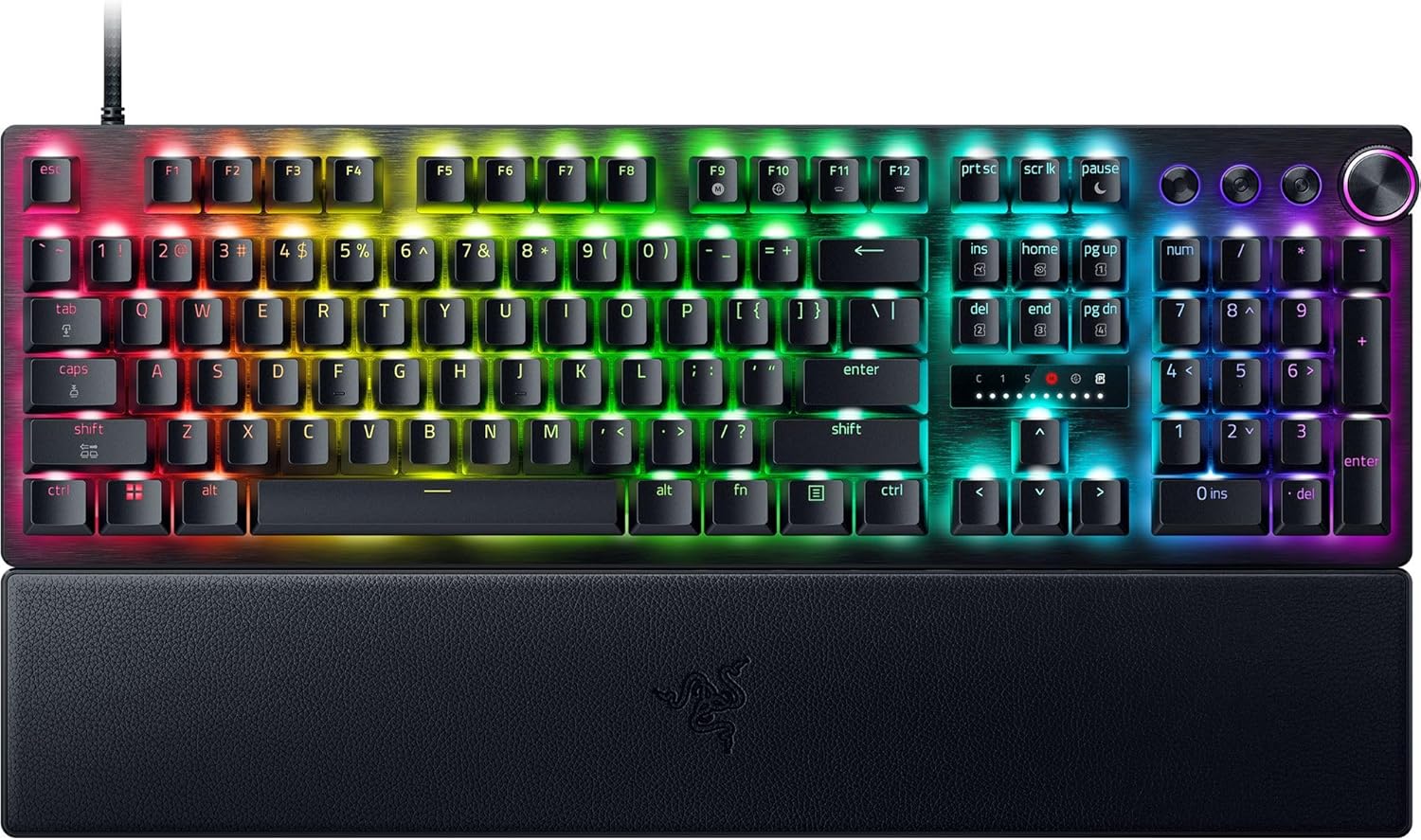



The 45 mm drivers tuned by Audio-Technica's audio team deliver a relatively neutral signature, which matters because VRChat dance worlds rely on spatialized audio. You need to hear the DJ booth pan correctly when you walk around the floor, and you need to localize friends calling your name from across the room. Bass-heavy gaming headsets blur that stage. The G1WL keeps it readable.
Battery Life Built for Long Dance Sessions
Audio-Technica rates the ATH-G1WL at around 15 hours of continuous use on a single charge. In practice, dancing nightly meetups that run three to five hours each, you can usually go two or three sessions before needing to dock it. That matters because nothing kills a Saturday-night club world worse than a low-battery beep right as the drop hits.
The Desktop Gear That Pairs With It
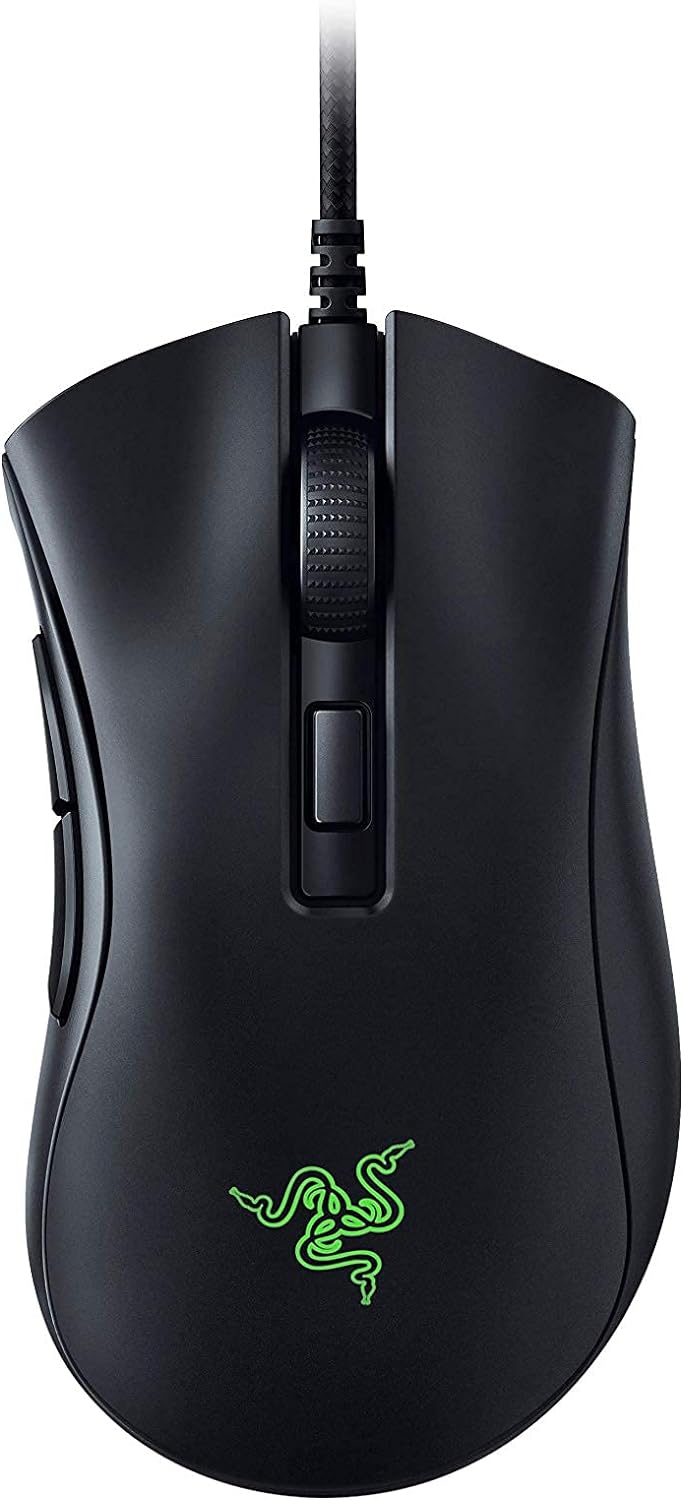
You may be wondering why a headset article is going to talk about mice. Here is the reality: VRChat full body tracking takes setup. Before you ever put your headset on, you are at your desk calibrating SteamVR rooms, launching VRCFT for face tracking, opening OSC bridges for hip and chest trackers, and adjusting avatar parameters in Unity. A solid wireless mouse that does not yank a cable when you stand up to test trackers is genuinely useful. Below are three mice that VRChat dancers consistently report working well with the ATH-G1WL workflow.
Logitech G305 Lightspeed Wireless
The G305 is the workhorse pick for FBT dancers on a budget. It runs on a single AA battery for up to 250 hours, which means you can leave it plugged into Lightspeed dongle hell for weeks without worrying. The HERO 12K sensor is more than enough for desktop calibration and the occasional flatscreen game on the side. At its weight class, it is also light enough to throw in a bag if you travel with your VR rig to a friend's place. Check the current price here: Logitech G305 Lightspeed on Amazon.
Logitech G502 Lightspeed Wireless
If you also do photo editing of your avatar renders, stream your dance sessions, or run a multi-monitor production setup next to your VR space, the G502 Lightspeed is the heavier, more buttoned-up alternative. Eleven programmable buttons let you bind avatar emote menus, OBS scene switches, or even VRCFT mute toggles. The HERO 25K sensor is overkill for desktop work, which is exactly what you want when precision matters during avatar Unity uploads. Grab it here: Logitech G502 Lightspeed on Amazon.
Logitech G PRO X2 SUPERSTRIKE
For dancers who also compete in rhythm games or play flatscreen titles between VRChat sessions, the G PRO X2 SUPERSTRIKE is the premium pick. It is featherweight, has the fastest Logitech wireless polling available in 2026, and the build quality holds up to years of clicking through avatar menus. The Hall-effect switches mean you will not develop double-click drift halfway through your second year of nightly meetups. Check it out: Logitech G PRO X2 SUPERSTRIKE on Amazon.
Quick Comparison: Wireless Mice for VRChat FBT Setups
| Mouse | Best For | Battery | Weight Class | Sensor |
|---|---|---|---|---|
| Logitech G305 | Budget FBT dancers | ~250 hrs (AA) | Light (99 g) | HERO 12K |
| Logitech G502 Lightspeed | Streamers and editors | ~60 hrs | Heavy (114 g) | HERO 25K |
| Logitech G PRO X2 SUPERSTRIKE | Competitive and premium | ~90+ hrs | Ultralight | HERO 2 / Hall-effect |
Dialing In the ATH-G1WL for VRChat
Once you have the gear, the actual ath g1wl vrchat full body tracking experience depends on a few software tweaks. First, in Windows Sound settings, set the ATH-G1WL output to 48 kHz 16-bit (the VRChat engine expects that sample rate). Second, in VRChat itself, drop your output Doppler down a notch if you are doing fast spins, because at default settings you can get audible audio warping during a spin-heavy dance routine. Third, check the boom mic's gain in Windows; the G1WL mic runs hot by default, and lowering it 4-6 dB will keep your friends from clipping when you scream during a beat drop.
Cable-Free Means Cable Discipline
Even though the G1WL is wireless, your trackers and headset still are not. Velcro-wrap any cables from your Index, Quest Pro, or Bigscreen Beyond down your back, and keep the ATH-G1WL receiver dongle on the same USB hub as your link cable if you use one, since interference at 2.4 GHz can cause stutter when both share crowded spectrum.
Comfort During Hour Three of a Dance Meetup
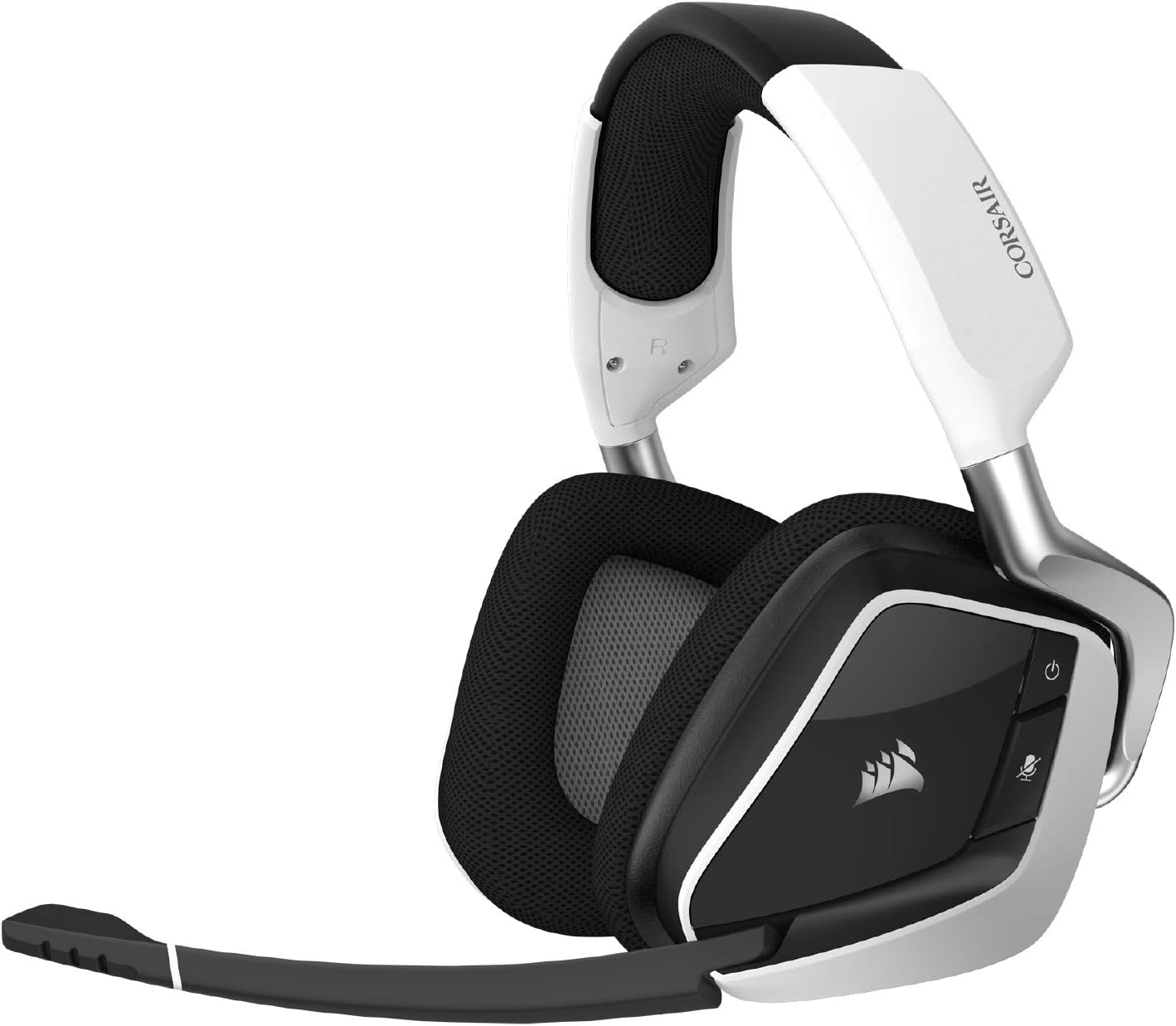
Most headsets you forget by minute thirty and remember by hour two. The ATH-G1WL is the opposite, you barely notice it the longer you wear it. The memory foam earpads breathe better than the leatherette pads on most competitor wireless models, which matters when you are sweating through a Just Dance world and a VR headset is already trapping heat against your forehead. The headband uses a self-adjusting wing system, which means you can put it on over an Index strap without crushing your skull, and you can take the headset off and put it back on between calibrations without re-tightening anything.
Mic Boom Position Tips
The boom is flexible enough to bend away from your face for the brief moments you are not talking, like when you are mid-dance and only listening. But VRChat dancers should keep it close to the corner of the mouth, not directly in front, otherwise your breath sounds during cardio-heavy choreography will bleed straight into voice chat. A small foam pop filter (sold separately on Amazon) helps if your community mutes plosives often.
Where the ATH-G1WL Falls Short
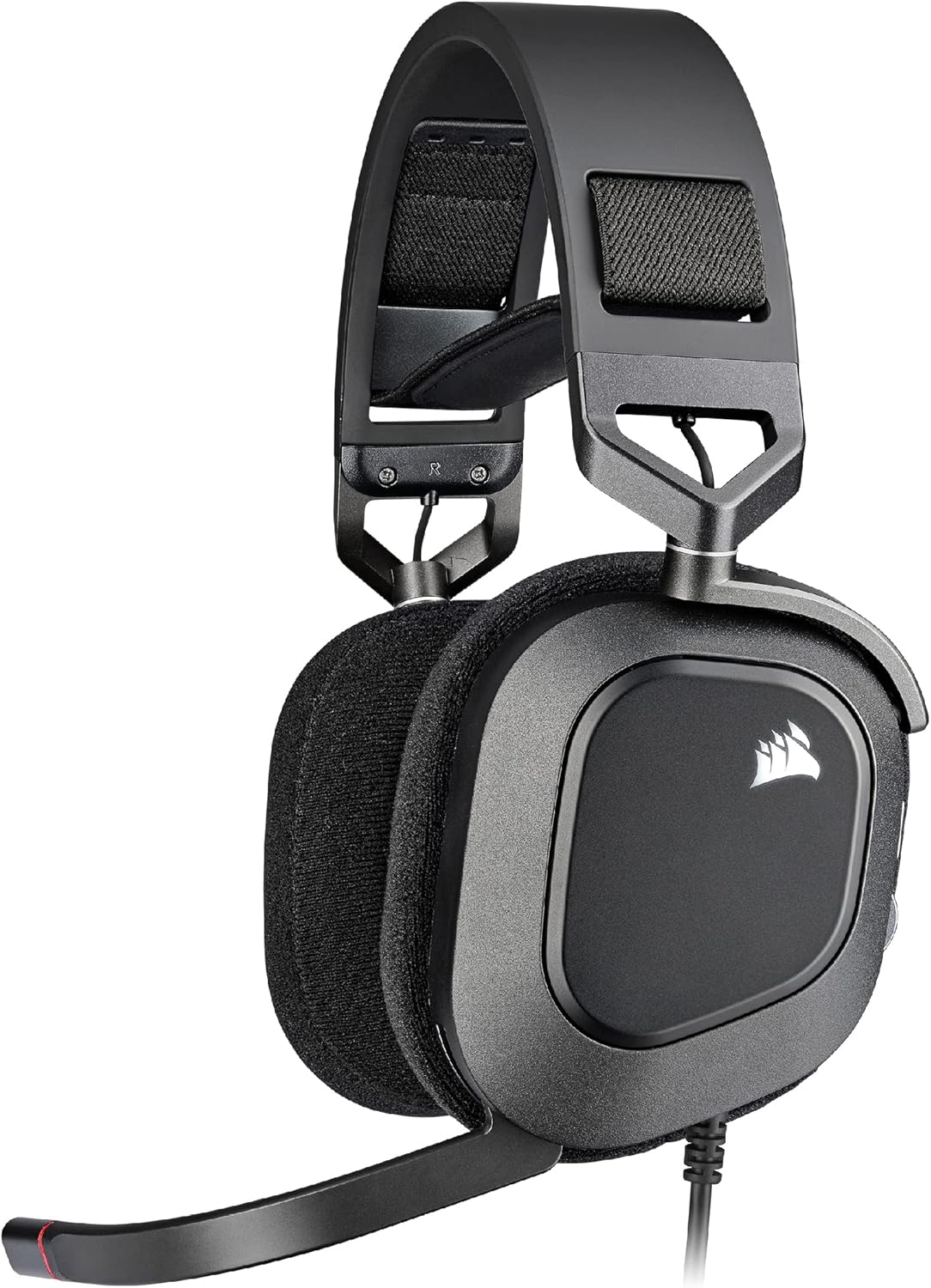
To be fair, the ATH-G1WL is not perfect. It is wireless only on the 2.4 GHz dongle, no Bluetooth, so if you want to swap to a phone or Quest standalone mode, you are out of luck. The mic, while crisp, is not the same broadcast tier as a dedicated USB condenser, so if you are streaming professionally you may want to route a separate mic. And the build is mostly plastic, so dropping it from a standing position onto hardwood can crack the headband joint. Treat it gently between dance sessions.
For more reading
If you want to round out your setup, take a look at our related guides on the best VRChat-compatible mics for streamers, wireless gaming headsets with the longest battery life, and keyboards built for VRChat OSC shortcuts.
Frequently Asked Questions
Is the ATH-G1WL good for VRChat with full body tracking specifically?
Yes. Its 250-gram weight, gentle clamp, and 2.4 GHz wireless dongle make it one of the best matches for FBT dancers in 2026. You can squat, spin, and jump without cables tugging, and the 15-hour battery covers most meetups.
Will the ATH-G1WL fit over a Valve Index or Quest 3 head strap?
Yes, in most cases. The self-adjusting wing headband sits high enough to clear the Index halo strap and the Quest 3 elite strap. Some users with larger heads find it more comfortable when they slightly loosen the VR strap first.
Does the ATH-G1WL pick up base station whine or tracker interference?
No, the 2.4 GHz wireless audio link runs on a different channel than SteamVR base stations and Vive trackers, so you should not hear interference. If you do hear stutter, check that your USB receiver is on a powered hub away from your VR link cable.
How long does the ATH-G1WL battery last during a typical VRChat dance session?
Audio-Technica rates it at about 15 hours. In practice, a five-hour dance meetup uses roughly a third of the charge, so you can typically go two or three full sessions between charges.
Can I use the ATH-G1WL with my Quest 3 standalone for VRChat mobile?
Not directly. The G1WL uses a USB-A wireless dongle, not Bluetooth, so it does not pair with the Quest 3 standalone. You would need to be in PCVR mode with the dongle plugged into your computer.
Is the boom mic on the ATH-G1WL good enough for VRChat voice chat?
Yes, the cardioid boom mic is clear and isolates well from background noise, which is important during cardio-heavy dance sessions. Drop the gain 4-6 dB in Windows if it sounds hot, and position it at the corner of your mouth, not directly in front.
What mouse should I pair with the ATH-G1WL for VRChat setup work?
A lightweight wireless mouse like the Logitech G305 covers desktop calibration without cable drag. If you also stream or edit, the G502 Lightspeed adds programmable buttons. For competitive flatscreen play between dance sessions, the G PRO X2 SUPERSTRIKE is the premium pick.
Key Takeaways
- Choosing the right ath g1wl vrchat full body tracking means matching capacity and output ports to your actual devices
- Always check actual watt-hours (Wh), not just watts — runtime depends on Wh, not peak output
- Also covers: wireless headset for vrchat dancers
- Also covers: ath g1wl full body tracker review
- Also covers: best lightweight headset vrchat dance
- Compare price-per-Wh across models to find the best value for your budget